Quick answer: A budget home office setup under $500 should still solve the essentials: a stable desk, a supportive chair, correct monitor height, better lighting, and clean cable management. This guide’s spending order is chair first ($150–$200), then screen position, desk, lighting, and accessories last, and its chair top pick is the Gabrylly ergonomic mesh chair. The complete new-gear shopping list on this page lands near ~$410, still under a $500 ceiling.
Quick buying shortcut
Start with these picks from this guide, then compare the current Amazon price, stock, delivery window, and return terms before deciding.
As an Amazon Associate, WorkspaceWisePro may earn from qualifying purchases. Prices and availability can change.
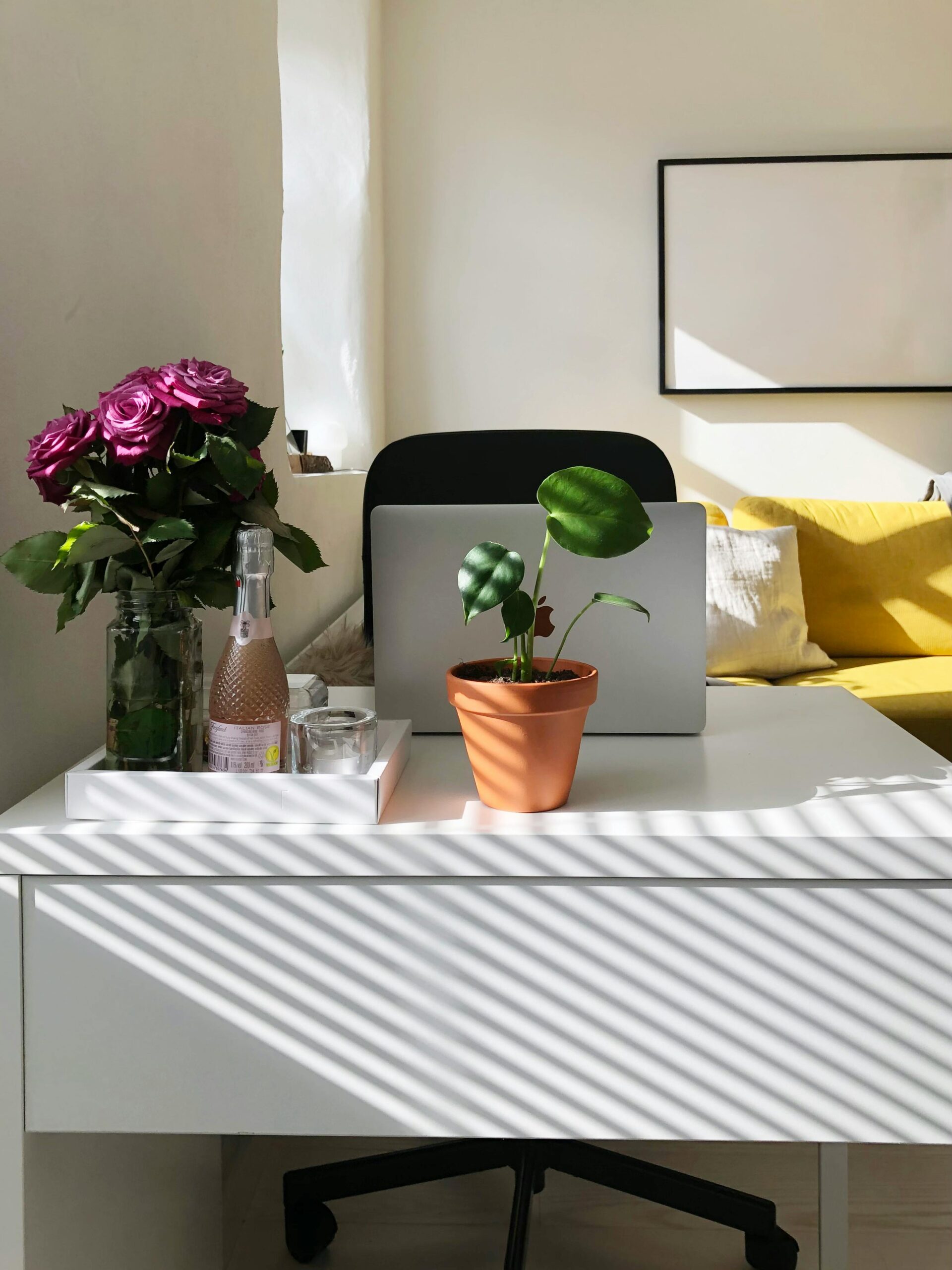
A budget home office setup under $500 should still solve the essentials: a stable desk, supportive chair, correct monitor height, better lighting, and clean cable management. This guide shows how to prioritize upgrades without wasting money on gear that looks nice but does not improve daily comfort.
Budget starter shopping list
Start with the upgrades that change daily comfort
As an Amazon Associate, WorkspaceWisePro may earn from qualifying purchases. These links focus on categories that usually matter most in a sub-$500 setup.
Recommended buying guides
Turn this advice into a better setup
If this guide helped you identify what needs fixing, these related buying guides are the next practical step.
Start with the gear that changes comfort first
If you are building a setup on a fixed budget, spend first on the pieces that affect posture and daily work quality.
The home office industry wants you to think a great setup requires spending a small fortune. Here’s what 15 years of remote work taught me: diminishing returns kick in hard above $500. This guide shows you exactly how to spend it for maximum impact.
- Choose the right space first
- The Priority Framework for Budget Shoppers
- The Chair: $150–$220
- Screen Position: $25–$80
- The Desk: $80–$120 (+ secondhand / DIY)
- Lighting: $30–$50
- Accessories Worth Including
- Internet that doesn’t kill the day
- Complete Budget Shopping List
- The Budget Upgrade Path
- Budget setup checklist + FAQ
Choose the right space first
Before you spend a single dollar, identify where in your home you’ll work. A dedicated room is ideal, but a quiet corner in a bedroom or living area can work. Prefer a spot with good natural light, minimal foot traffic, and enough room for a desk and chair.
Avoid high-traffic zones like kitchens or living rooms with TVs if you can help it — distractions are the enemy of productivity. Even a simple visual boundary (room divider or bookshelf) can mentally separate your work zone from your relaxation space.
In a small apartment, a compact corner desk — or even a fold-down / closet workspace — can carve out a functional zone without overwhelming the room. Consistency of the “work signal” matters more than square footage.
The Priority Framework for Budget Shoppers
When budget is constrained, the order of spending matters more than the total. Here’s the hierarchy:
- Chair first — $150–$200 of your budget. Non-negotiable.
- Screen position second — $20–$80 depending on your setup.
- Desk third — $80–$120 for a solid, functional surface.
- Lighting fourth — $30–$50 for a real improvement.
- Accessories last — $50–$100 for the remaining wins.
The Chair: $150–$220
Top Pick: Gabrylly Ergonomic Mesh Chair (~$160)
Full mesh design — both seat and back — provides excellent airflow for all-day use. Adjustable lumbar, flip-up armrests (great for small spaces), and a wide seat that accommodates most body types.
Runner Up: Ticova Ergonomic Office Chair (~$180)
Spring-loaded lumbar support that pushes firmly into the lower back curve. Excellent choice for people with existing lower back issues who need aggressive support. Fully adjustable headrest is rare at this price.
Secondhand note: a liquidation / thrift office chair in good condition can work — inspect seat foam and casters before buying. If you can try in-store, look for adjustable seat height, lumbar support, and armrests; check return policies carefully for online purchases.
Screen Position: $25–$80
If you use a laptop: Laptop Stand + External Keyboard ($45–$80)
This is the highest-ROI purchase at any budget. A $25–$40 laptop stand (Nexstand, Roost, or a simple aluminum stand from Amazon) raises your screen to proper eye level. Pair with a $20–$40 external keyboard. Your neck will thank you within 48 hours.
If you use an external monitor: Monitor Riser or Arm ($20–$60)
Check if a simple monitor riser gets you to the right height. If you need more range, the Huanuo Single Monitor Arm at $35–$45 is the budget arm that actually works.
Optional display path: if long hours on a laptop screen are the bottleneck, a dedicated external monitor — even a 24″ 1080p class model in roughly the $100–$150 range — can reduce hunching. Check refurbished manufacturer or retailer listings for steeper discounts. Raise the top of the screen toward eye level (stand or stable stack). No new locked ASINs added here — confirm live listings before purchase. Related: monitor height guide.
The Desk: $80–$120
Top Pick: Amazon Basics 55-Inch Desk ($85–$100)
Simple, sturdy, 55 inches wide — enough space for a monitor, keyboard, and working surface. The laminate surface is durable and easy to clean.
IKEA Option: Linnmon + Adils ($50–$70)
The classic budget setup. The Linnmon tabletop with Adils adjustable legs gives you a large, customizable surface at minimal cost. The legs adjust in height — letting you dial in the right desk height for your chair/body combination.
Secondhand / DIY desk options
- Thrift stores, Facebook Marketplace, or similar local listings for a sturdy used desk.
- Classic DIY: a solid door from a hardware store on two filing cabinets — wide surface often under ~$100 all-in.
- Prioritize surface area over aesthetics; aim for at least ~48″ wide if space allows.
Lighting: $30–$50
Top Pick: Monitor Light Bar ($35–$50)
A monitor-mounted light bar clips to the top of your monitor and illuminates your desk without creating screen glare. Better than any desk lamp at this price point for screen-adjacent work. Baseus and TaoTronics both have solid options in the $35–$45 range.
Placement tip: position the desk perpendicular to windows when possible to reduce screen glare. For artificial light, an adjustable LED desk lamp (~$20–$40 class) also works. If you’re on video calls often, a small ring light — or a lamp slightly to the side and in front — improves how you look on camera and can reduce eye strain during long sessions.
Accessories Worth Including ($50–$100)
Cable management tray: $20–$30. Mount under the desk. Eliminates floor cables instantly.
Desk pad: $20–$35. A large felt or leather pad anchors your keyboard and mouse, protects the desk surface, and makes the setup look intentional.
USB hub: $15–$25. A 4-port USB-A hub eliminates the cable-swapping chaos that comes with limited-port laptops.
Budget-friendly organization (repurpose first)
- Mason jars for pens; a spare shoebox as a cable box.
- Command hooks for headphones / bags / cables without damaging walls.
- Velcro cable ties — cheap, big visual cleanup.
- A basic two-drawer filing cabinet can double as a desk support + storage if you go the DIY route.
Internet that doesn’t kill the day
A fast, reliable connection is non-negotiable for remote work. If the router is far from your desk:
- Wi-Fi extender (~$20–$40 class), or
- Prefer ethernet when possible — a wired link is usually more stable; a ~25-ft Cat6 cable is often inexpensive.
If the plan itself is the bottleneck, compare ISP tiers / promos yearly so you’re not overpaying for slower speeds.
Complete Budget Shopping List
| Item | Recommended | Est. Cost |
|---|---|---|
| Ergonomic Chair | Gabrylly Mesh Chair | ~$160 |
| Laptop Stand | Nexstand / Roost / Amazon | ~$35 |
| External Keyboard | Logitech K380 or similar | ~$25 |
| Desk | Amazon Basics 55-inch | ~$95 |
| Monitor Light Bar | Baseus / TaoTronics | ~$40 |
| Cable Tray (under-desk) | Any Amazon option | ~$25 |
| Desk Pad | KTRIO / Lifetoo | ~$30 |
Total: ~$410. A complete, ergonomic, well-lit, cable-managed home office setup for under $500.
The Budget Upgrade Path
Once you have this foundation, here’s the smart upgrade sequence when budget allows:
- Chair upgrade to the $250–$350 tier
- Second monitor or larger display ($150–$300)
- Mechanical keyboard ($80–$150)
- Standing desk frame ($350–$500 for quality)
Each upgrade builds on the foundation you’ve established rather than replacing it.
See all our tested product recommendations across every category and budget.
Browse All Product Reviews →Budget home office quick checklist
- Identify a dedicated, low-traffic workspace area (visual boundary if needed)
- Source an affordable desk (Amazon Basics / IKEA / thrift / Marketplace / DIY)
- Choose a chair with adjustable height and lumbar support (chair-first budget share)
- Fix screen height (laptop stand + KB, or monitor + riser/arm)
- Optional: external monitor if laptop-only is the strain point
- Set up task lighting without glare; video-call light if needed
- Cable ties / tray / USB hub for organization
- Prefer ethernet or a solid Wi-Fi path to the desk
- Repurpose household items before buying organizers
FAQ
How much does it cost to set up a budget home office?
A functional setup can land roughly $200–$400 if you shop secondhand and prioritize essentials. The complete new-gear shopping list on this page lands nearer ~$410 under a $500 ceiling. Biggest shares: chair and desk.
What is the most important piece of home office furniture?
The chair — poor seating costs more in pain and focus than the upgrade price.
Can I set up a home office in a small apartment?
Yes. Fold-down desks, compact corner desks, or a well-organized closet can work if the spot stays tidy, well-lit, and mentally associated with work.