In 2020, companies braced for a productivity disaster when their workforces went remote. What happened instead surprised almost everyone. But the productivity gains were not distributed evenly — and the difference wasn’t motivation. It was setup.
The Data on Remote Work Productivity
A Stanford University study of 16,000 workers found a 13% performance increase in remote workers. A survey of 800 employers by Mercer found that 94% reported productivity was the same or higher after their workforce went remote.
The performance gains came primarily from:
- Fewer interruptions (the open office is catastrophically bad for focus work)
- Reclaimed commute time used for work or rest
- Flexible scheduling aligned with individual peak performance hours
- Quieter environments enabling deeper concentration
But the same research identified the primary failure modes for remote workers who didn’t see productivity gains:
- Physical discomfort from inadequate ergonomic setup
- Social isolation reducing motivation and accountability
- Inability to mentally “leave” work due to no physical separation
- Poor lighting and suboptimal screen setups causing fatigue
Factor 1: The Physical Environment
Your body is doing work before your brain starts. Every physical discomfort — an armrest that’s too high, a monitor that forces your neck down, a seat that cuts circulation to your legs — is consuming cognitive resources that should be going to your actual work.
Research on “cognitive load” suggests that our processing capacity is finite. Environmental stressors compete with task demands for that capacity. A well-designed workspace removes environmental stressors so full capacity goes to the work.
The minimum viable physical setup:
- A chair that supports your lower back without pain for 6+ hours
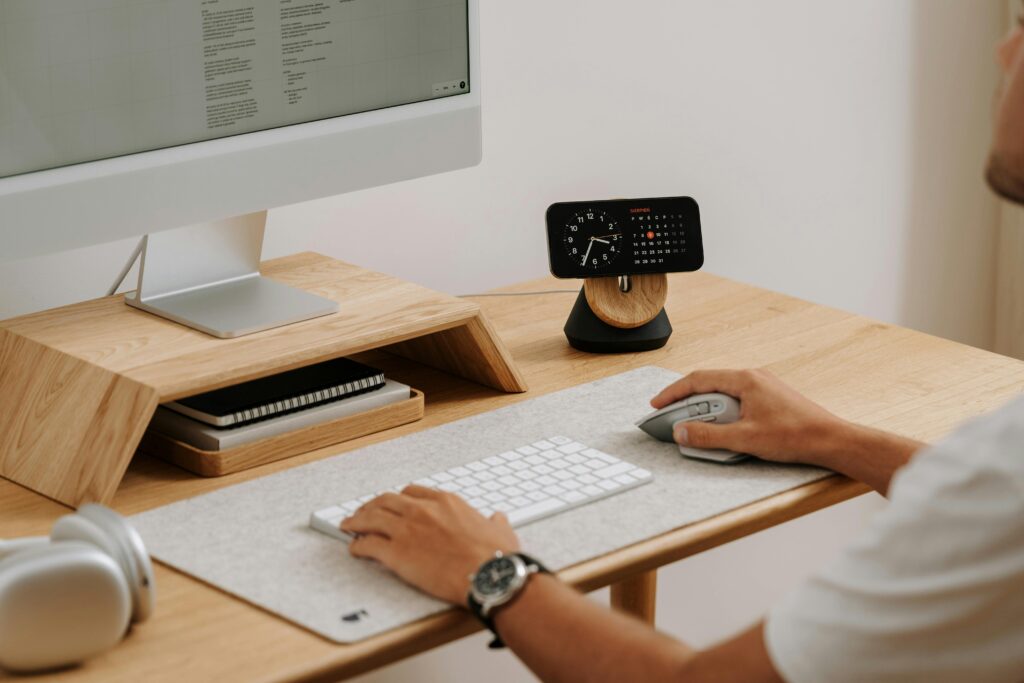
- A monitor at correct eye level (top of screen at eye height)
- Keyboard and mouse at elbow height, close to the body
- Adequate task lighting without screen glare
These four elements address the four primary sources of physical drain in desk work. Get these right and you’ve created the physical conditions for sustained high performance.
Factor 2: The Mental Environment — The Work/Home Separation Problem
The office building does something valuable that we took for granted for decades: it creates a container for work. You’re at work when you’re in it. You’re not at work when you’re not.
Remote work dismantles that container. Without deliberate replacement, work expands to fill all available time and mental space — which sounds productive but is actually catastrophic for long-term performance. Chronic overwork without recovery leads to accelerating diminishing returns.
The solution is environmental design:
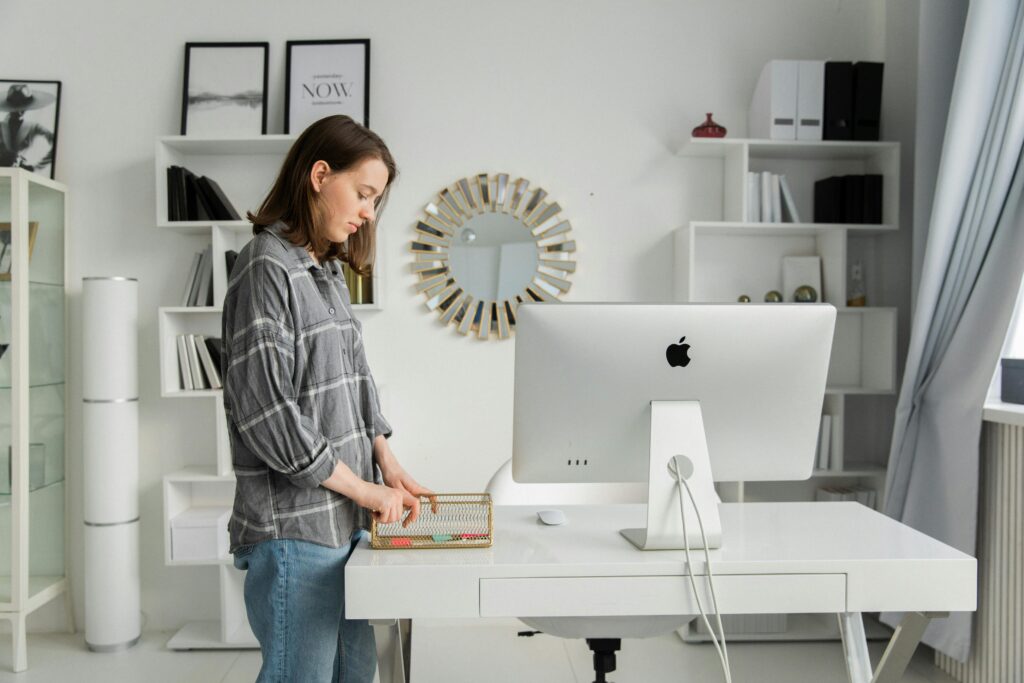
- A dedicated workspace that is only for work (even if it’s just a specific chair and desk)
- A shutdown ritual that marks the clear end of the workday
- Physical cues that signal mode: some people use “getting dressed” as a work-on signal; others use a specific playlist
The brain responds to physical and environmental cues. You can use this deliberately to create the mental conditions for focused work — and for full recovery when work ends.
Factor 3: The Digital Environment
Remote work happens on screens. The quality of your digital environment — how your tools are organized, how notifications are managed, how information flows — has a direct and measurable impact on productivity.
Notification management: Every notification interrupt costs an average of 23 minutes of recovery time to return to full focus on the original task, according to research from UC Irvine. Turn off all notifications that don’t require immediate action. Check communication tools on a schedule, not continuously.
Tool rationalization: Most remote workers are subscribed to more tools than they need. Every tool adds cognitive overhead. Identify the 3–5 tools that matter most and minimize the rest.
Screen organization: Consistent application placement — same apps always on the same monitor or desktop space — reduces visual search time. Sounds minor. Adds up to significant saved time at scale.
The Compounding Effect
Here’s what makes setup optimization particularly valuable: improvements compound.
A 10% productivity gain from better ergonomics, combined with a 10% gain from better work/home separation, combined with a 10% gain from better digital environment, doesn’t add up to 30%. The gains interact and multiply — because each improvement reduces the cognitive and physical load that was draining the benefits of the others.
The best remote workers aren’t working harder or longer than the worst ones. They’re working in environments systematically designed to make focused work easier.
Where to Start Tonight
- This week: Fix your monitor height and keyboard position. Free, immediate, meaningful.
- This month: If your chair is causing pain, replace it. This is the highest-priority equipment upgrade.
- Establish a shutdown ritual. Decide on 3–5 closing actions and do them every day for 30 days.
- Audit your notifications. Turn off everything that doesn’t require an immediate response.
Don’t try to overhaul everything at once. Each of these changes requires habit formation. Do them sequentially and let each one settle before adding the next.
Ready to build the setup that supports your best work?
Start with our Complete Ergonomic Home Office Setup Guide →