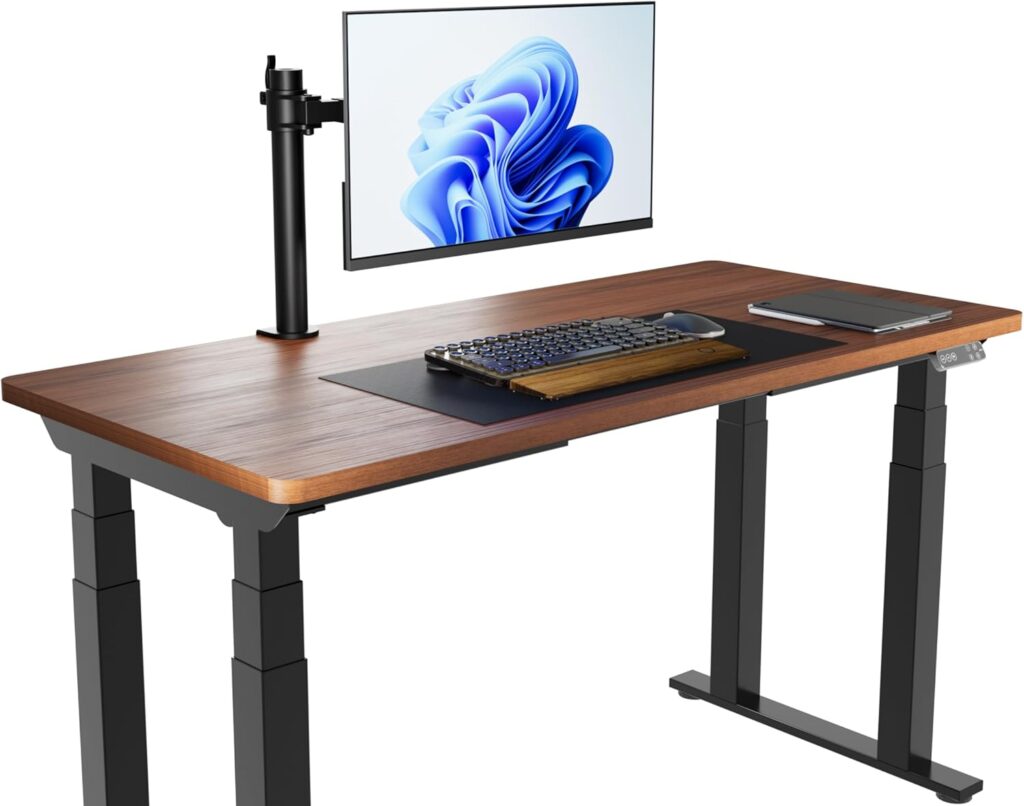
If you spend hours typing at your standing desk, a standard keyboard can lead to wrist fatigue and carpal tunnel symptoms. Ergonomic keyboards are designed to mimic the natural posture of your hands, reducing strain and boosting productivity. We’ve tested the top models of 2026 to help you find the perfect match for your workflow.
⚡ Keyboard Comparison Overview
| Keyboard | Best For | Price | Check Price |
|---|---|---|---|
| Surface Ergo | Premium Design | $$$$ | 🛒 Check Price |
| Logitech K860 | Best Ergonomics | $$$ | 🛒 Check Price |
| MX Keys S | Speed & Flow | $$$ | 🛒 Check Price |
| Freestyle2 | Full Split Setup | $$$ | 🛒 Check Price |
| Perixx 512 | Budget Choice | $$ | 🛒 Check Price |
1. Microsoft Surface Ergonomic Keyboard
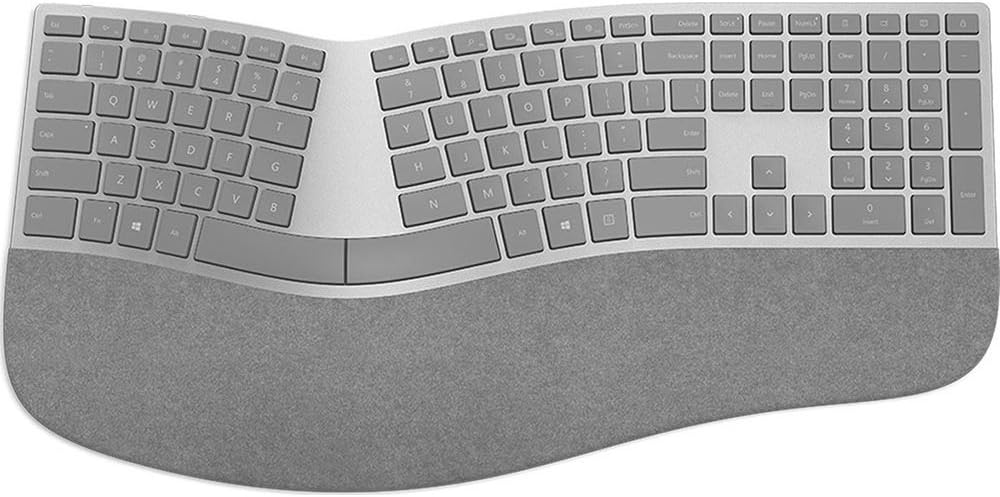
The Microsoft Surface Ergonomic Keyboard is where high-end aesthetics meet functional design. Featuring a beautiful Alcantara palm rest and a double-arched split keyset, it’s arguably the most stylish ergonomic keyboard on the market. It’s perfect for professionals who want a clean, minimalist look for their standing desk.
✓ Pros
- Premium Alcantara palm rest.
- Elegant, slim profile.
- Incredible wireless battery life.
✗ Cons
- No backlighting.
- Requires Bluetooth setup.
2. Logitech Ergo K860 Wireless Keyboard
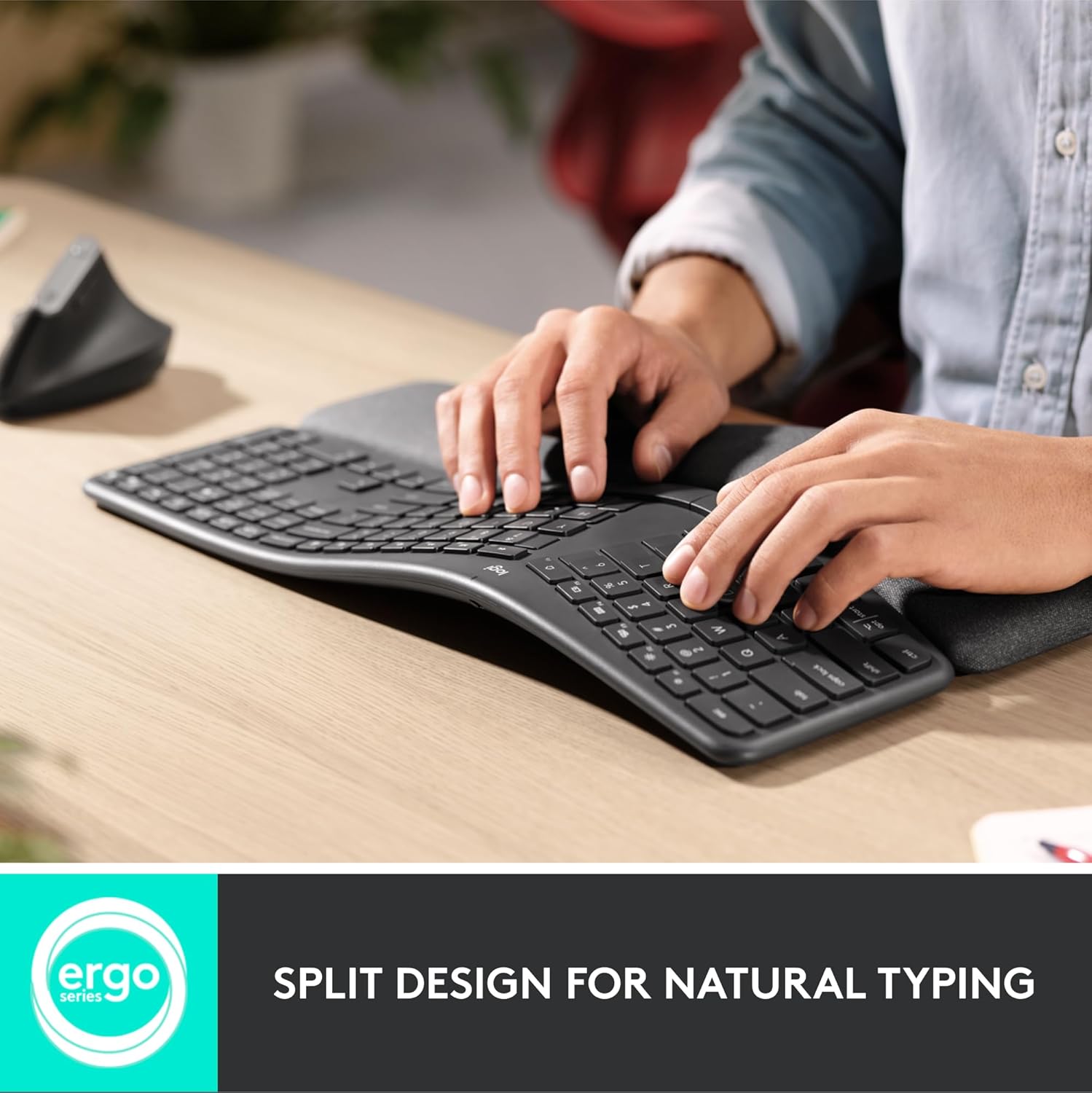
Widely considered the gold standard of ergonomics, the Logitech K860 features a curved, split keyframe that improves typing posture by 25%. The pillowed wrist rest provides 54% more wrist support, making it an essential upgrade for those suffering from wrist strain during long work sessions.
✓ Pros
- Superior wrist support.
- Multi-device switching.
- Perfect for large hands.
✗ Cons
- Takes up significant desk space.
- Large footprint.
3. Logitech MX Keys S Keyboard
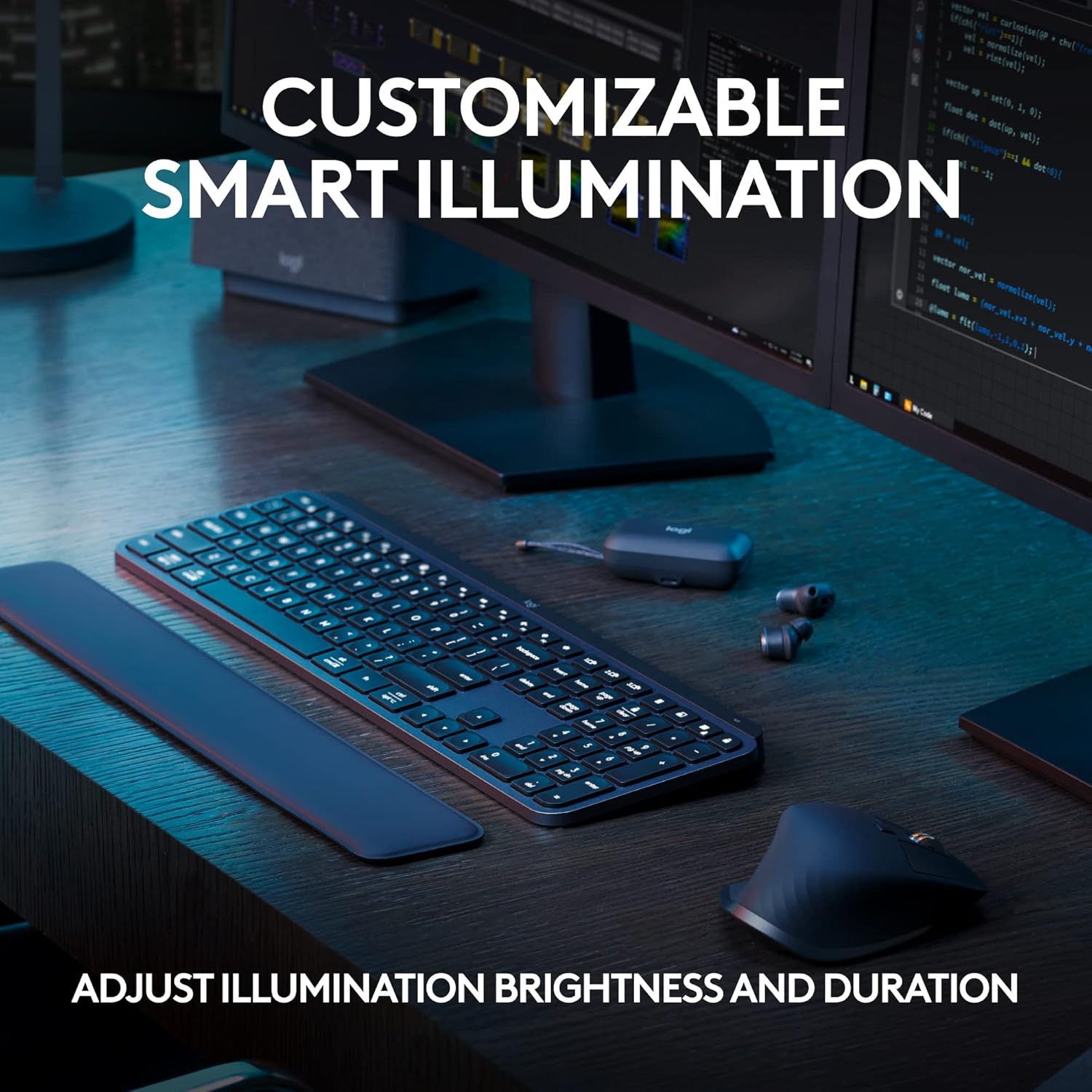
While not a traditional “split” ergonomic keyboard, the MX Keys S is designed for speed and comfort. Its spherically-dished keys match the shape of your fingertips, and the low-profile design keeps your wrists closer to the desk, reducing the upward angle that often causes fatigue.
✓ Pros
- Ultra-quiet typing.
- Smart backlighting.
- USB-C rechargeable.
✗ Cons
- Traditional layout (not split).
- Wrist rest sold separately.
4. Kinesis Freestyle2 Ergonomic Keyboard
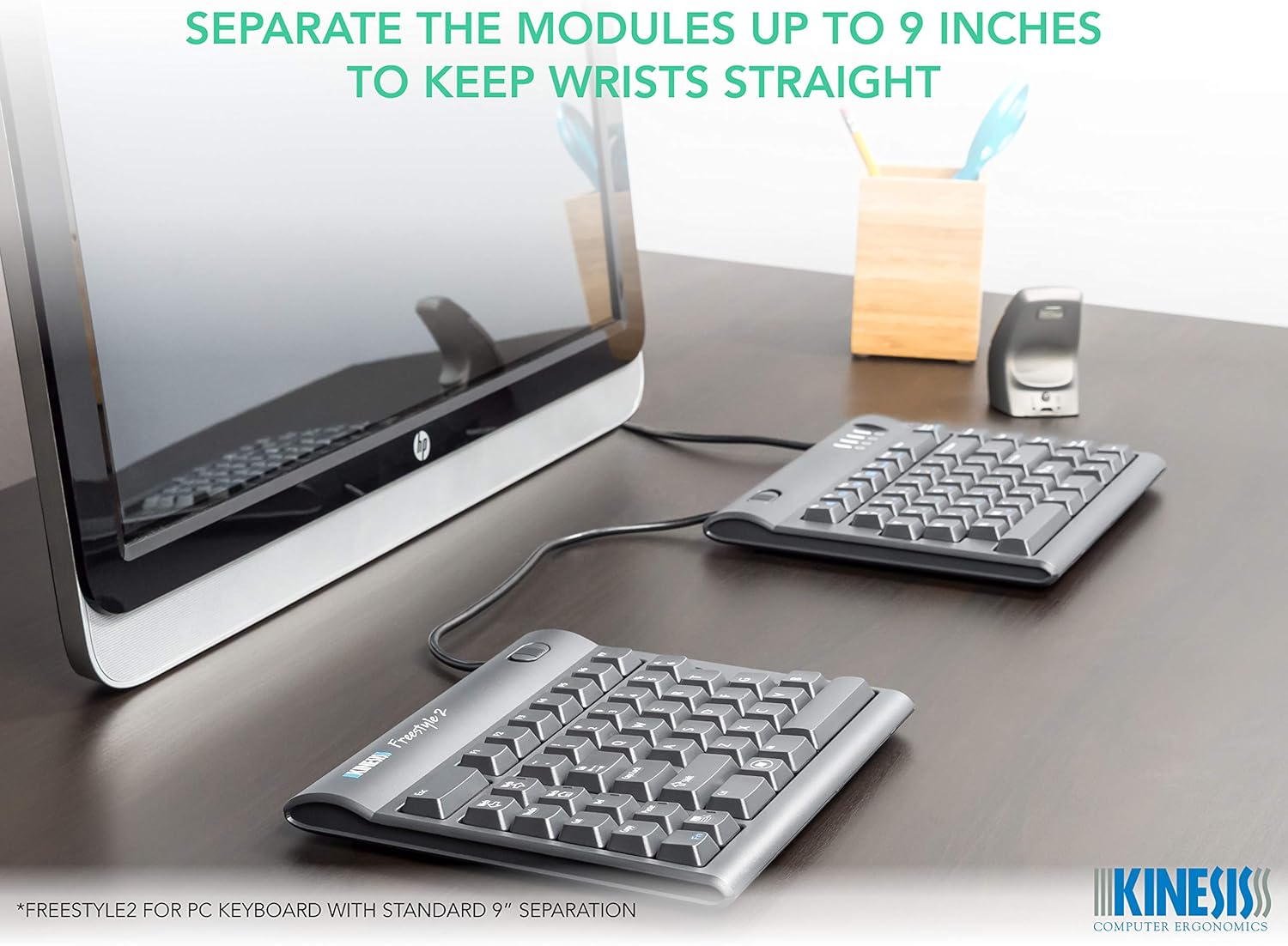
For those who need ultimate adjustability, the Kinesis Freestyle2 offers a unique split design. The two halves are connected by a 9-inch cable, allowing you to position them at any width to match your shoulder span perfectly. It’s highly recommended for users with broad shoulders.
✓ Pros
- Fully adjustable split width.
- Low-force tactile keys.
- Slim and travel-friendly.
✗ Cons
- Wired connection.
- Steep learning curve.
5. Perixx PERIBOARD-512 Ergonomic Keyboard
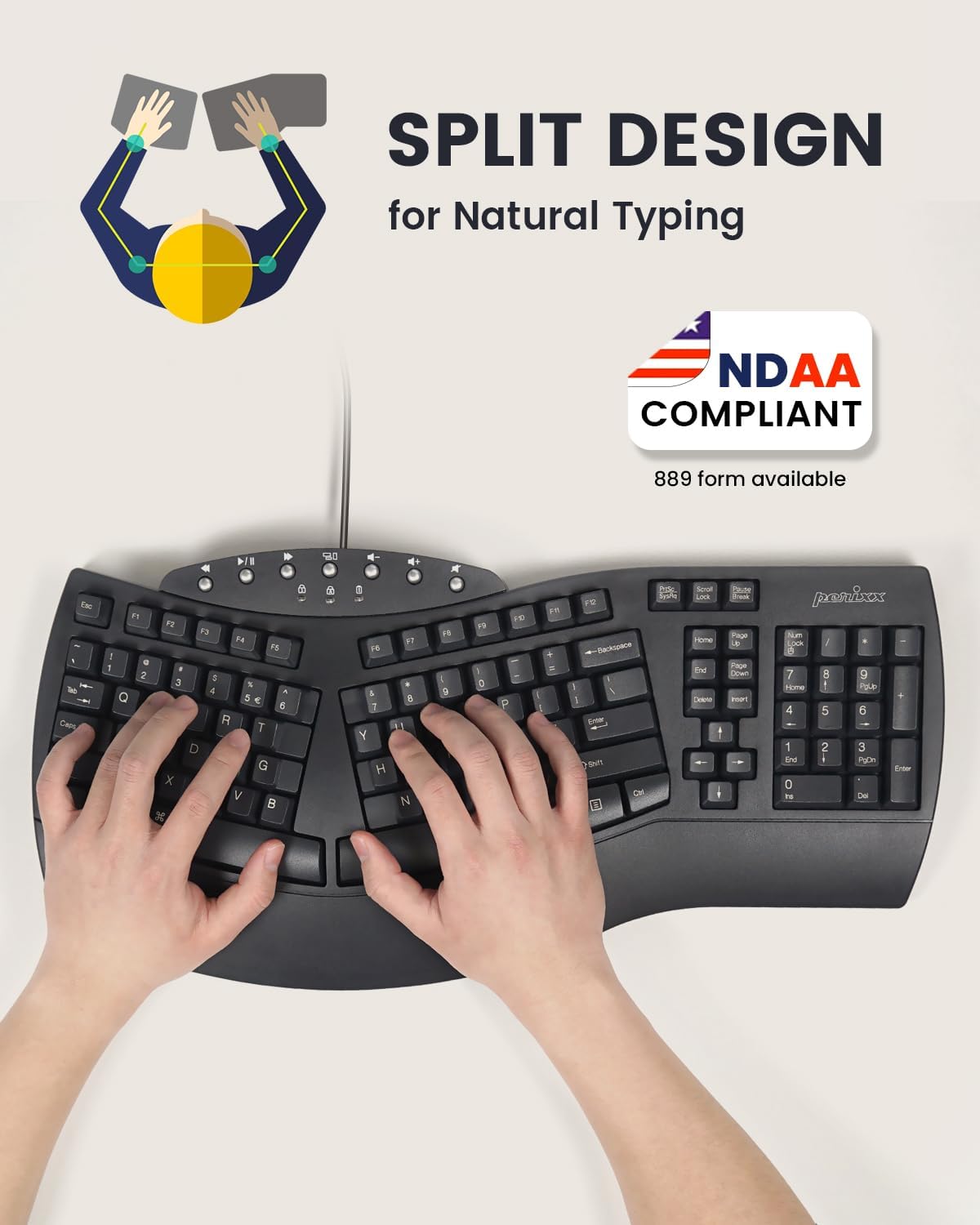
Budget shouldn’t stop you from being ergonomic. The Perixx 512 provides a classic “Natural” split layout similar to older Microsoft models but at a fraction of the cost. It’s a wired, reliable workhorse that delivers all the essential wrist-saving benefits for home office beginners.
✓ Pros
- Incredible price-to-value.
- Integrated numeric pad.
- Large, tactile keys.
✗ Cons
- Wired only.
- Bulkier, older design style.
How to Choose the Right Ergonomic Keyboard
When selecting an ergonomic keyboard for your setup, consider these three factors:
- Split Design: Split keyboards allow your shoulders to remain open, which is critical for long-term health.
- Tent Angle: Keyboards that “tent” (raised in the middle) reduce forearm pronation, preventing strain in your elbows.
- Switch Type: Low-profile keys require less force to press, which is easier on the finger joints.
Need a full ergonomic setup to go with your new keyboard?
See the 5 Best Ergonomic Office Chairs of 2026 →