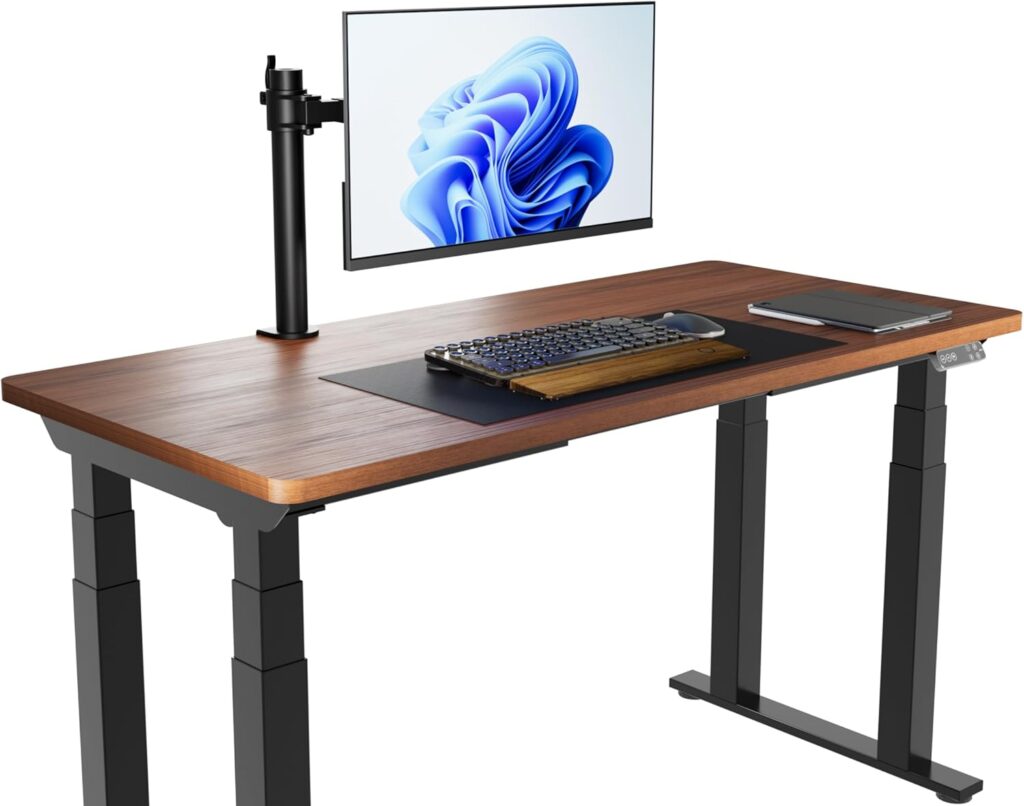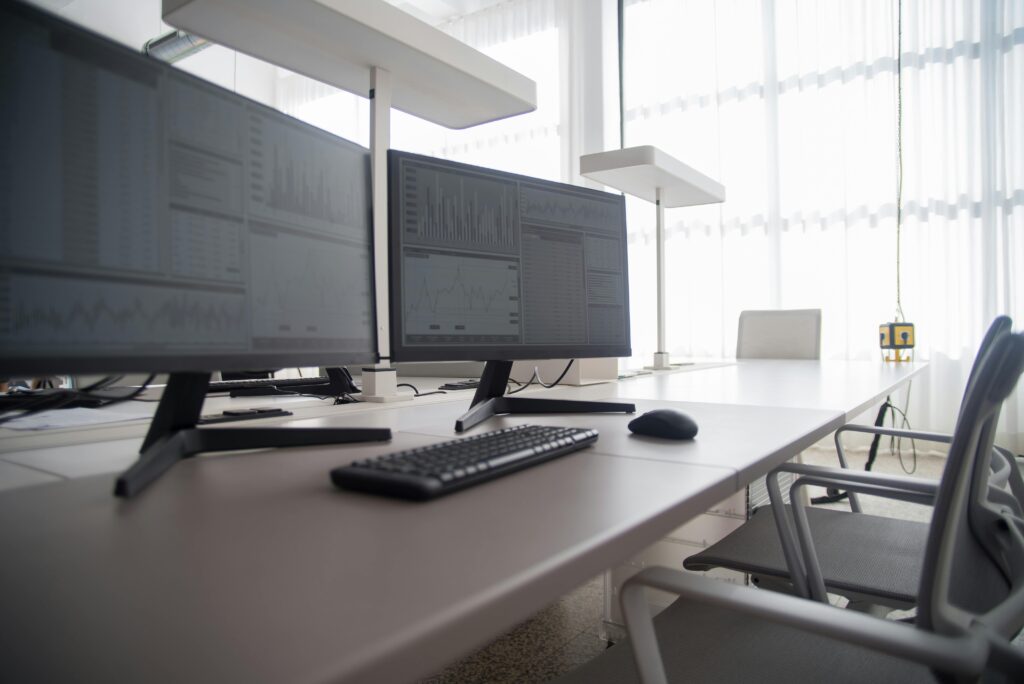
Owning a standing desk is only half the battle for a perfect ergonomic setup. If your monitor is too low, you’ll still suffer from neck strain and slouching. A high-quality monitor arm allows you to place your screen at eye level while reclaiming valuable desk space. We’ve reviewed the top 5 monitor arms on Amazon based on stability, adjustability, and weight capacity.
⚡ Quick Comparison Table
| Model | Best For | Price | Check Price |
|---|---|---|---|
| Ergotron LX | Professional / Heavy | $$$$ | 🛒 Check Price |
| HUANUO Dual | Dual Monitor Setup | $$$ | 🛒 Check Price |
| Amazon Basics | Budget / Simple | $$ | 🛒 Check Price |
| Mount-It! Long | Deep Desks | $$$ | 🛒 Check Price |
| MOUNTUP Single | Value For Money | $$ | 🛒 Check Price |
1. Ergotron LX – Best High-End Monitor Arm (Single)
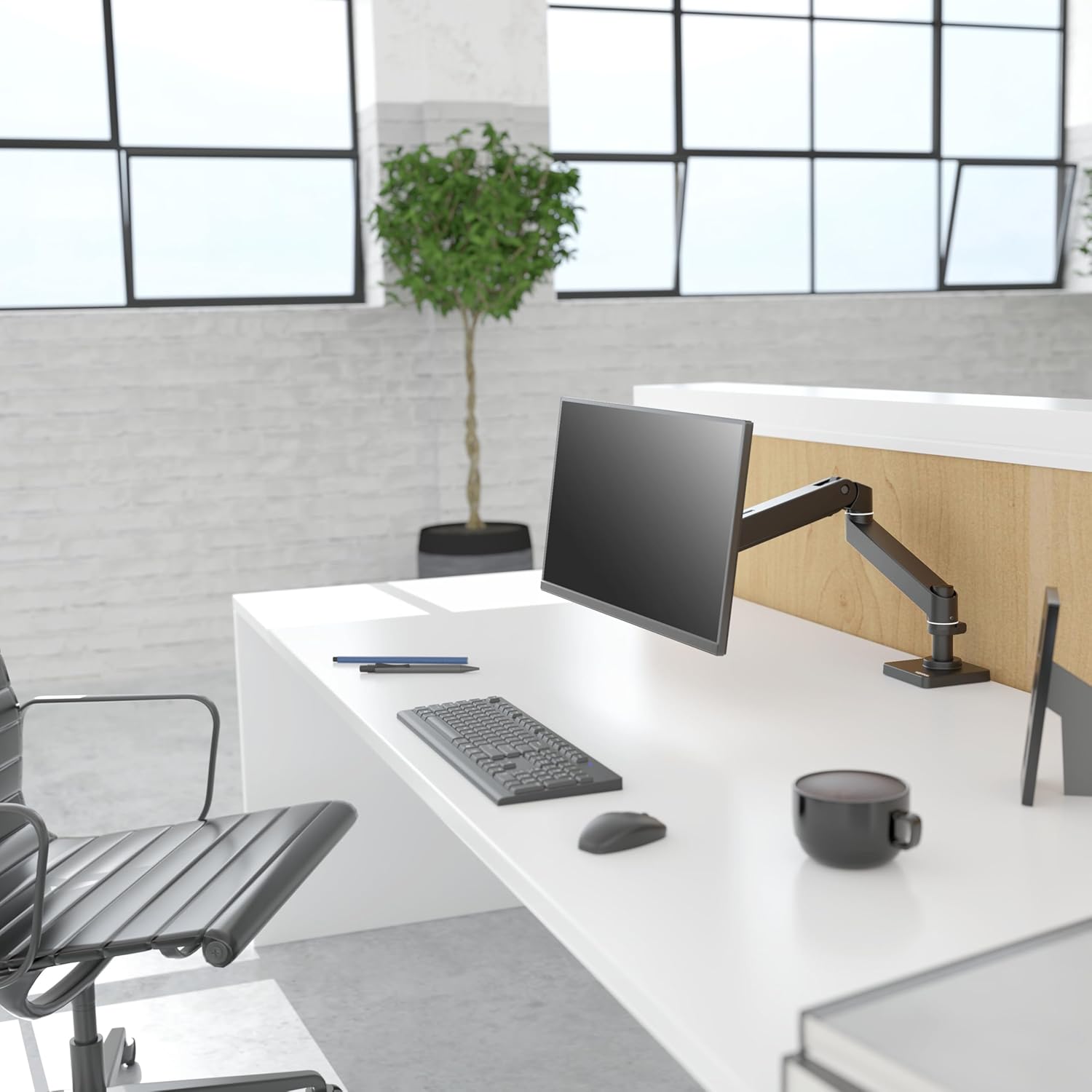
If you have a heavy ultrawide monitor or simply want the highest build quality available, the Ergotron LX is the industry gold standard. Its polished aluminum construction and patented Constant Force technology allow for effortless one-touch adjustments that stay exactly where you want them.
✓ Pros
- Superior Durability: Built to last for a decade.
- High Weight Limit: Supports up to 25 lbs easily.
- Smooth Movement: Patented lift technology.
✗ Cons
- Very Expensive: Premium price point.
- Aesthetics: Industrial look not for everyone.
2. HUANUO Dual Monitor Mount – Best for Two Screens
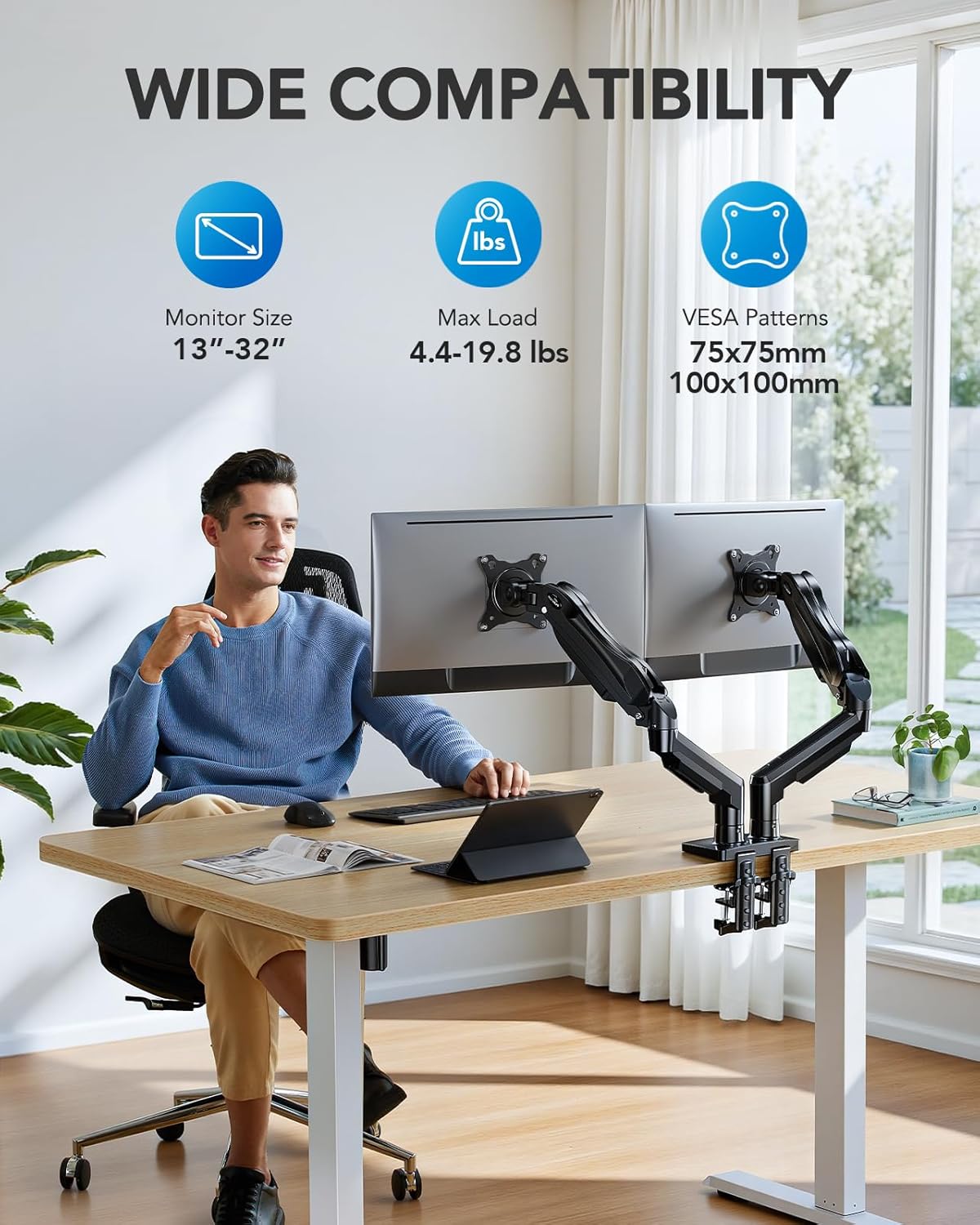
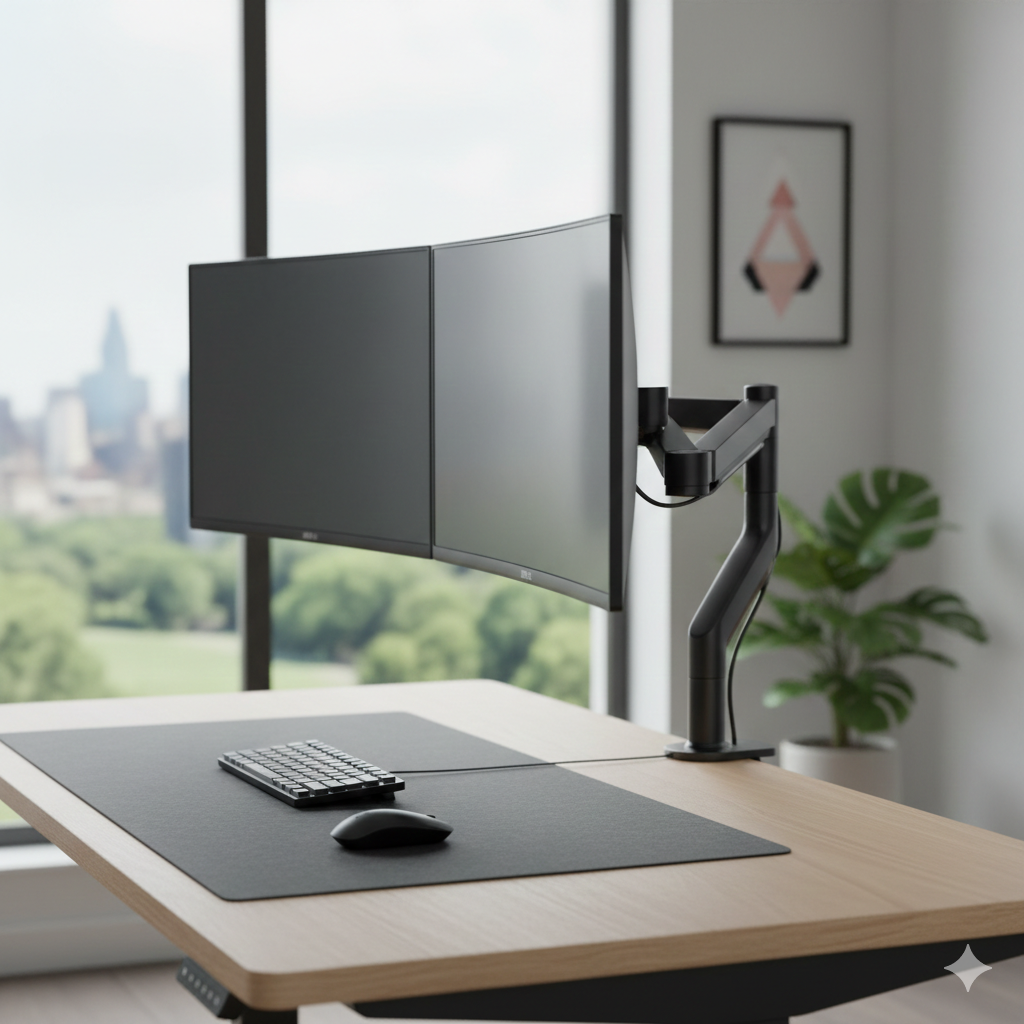
The HUANUO Dual Monitor Mount is a best-seller for a reason. It features two gas-spring arms that work independently, allowing you to align two monitors perfectly side-by-side or stacked. It’s the ultimate space-saver for multitasking professionals using a standing desk.
✓ Pros
- Independent Arms: Full range of motion for both.
- Great Value: High quality for a mid-range price.
- Sturdy Clamp: Zero wobble on most desks.
✗ Cons
- Bulky Base: Takes up a bit more edge space.
- Tension Adjust: Requires fine-tuning for lighter monitors.
3. Amazon Basics Single Stand – Best Budget Choice
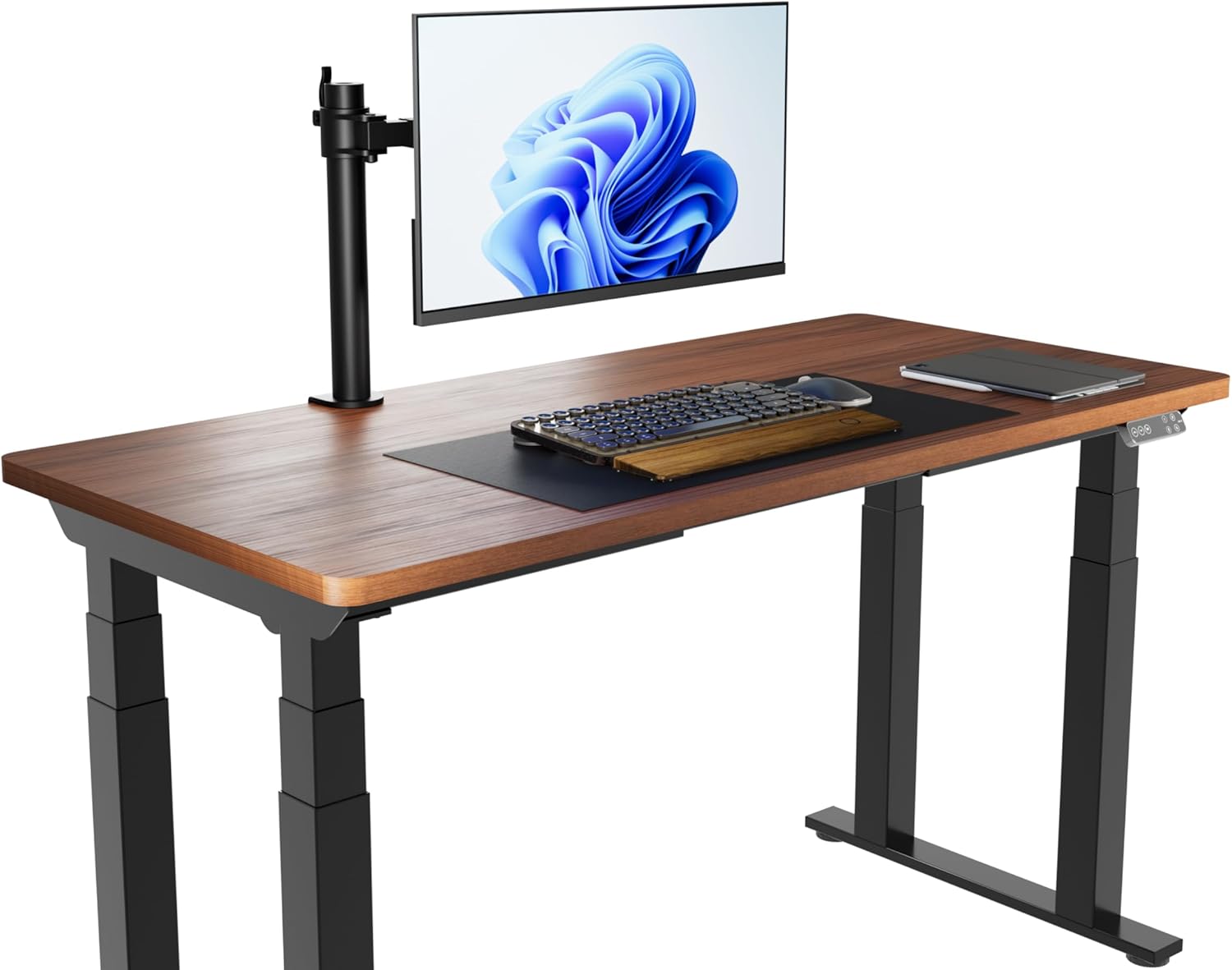
For those who want a reliable, no-frills solution, the Amazon Basics Monitor Arm is surprisingly robust. It’s easy to install and provides all the essential ergonomic adjustments (tilt, swivel, rotation) needed to improve your posture at a fraction of the cost of premium arms.
✓ Pros
- Affordable: Best entry-level price.
- Fast Install: Can be set up in 5 minutes.
- Compact: Minimalist footprint.
✗ Cons
- Lower Weight Limit: Best for standard screens.
- Limited Height: Not for very tall users.
4. Mount-It! Long Arm – Best for Deep Desks
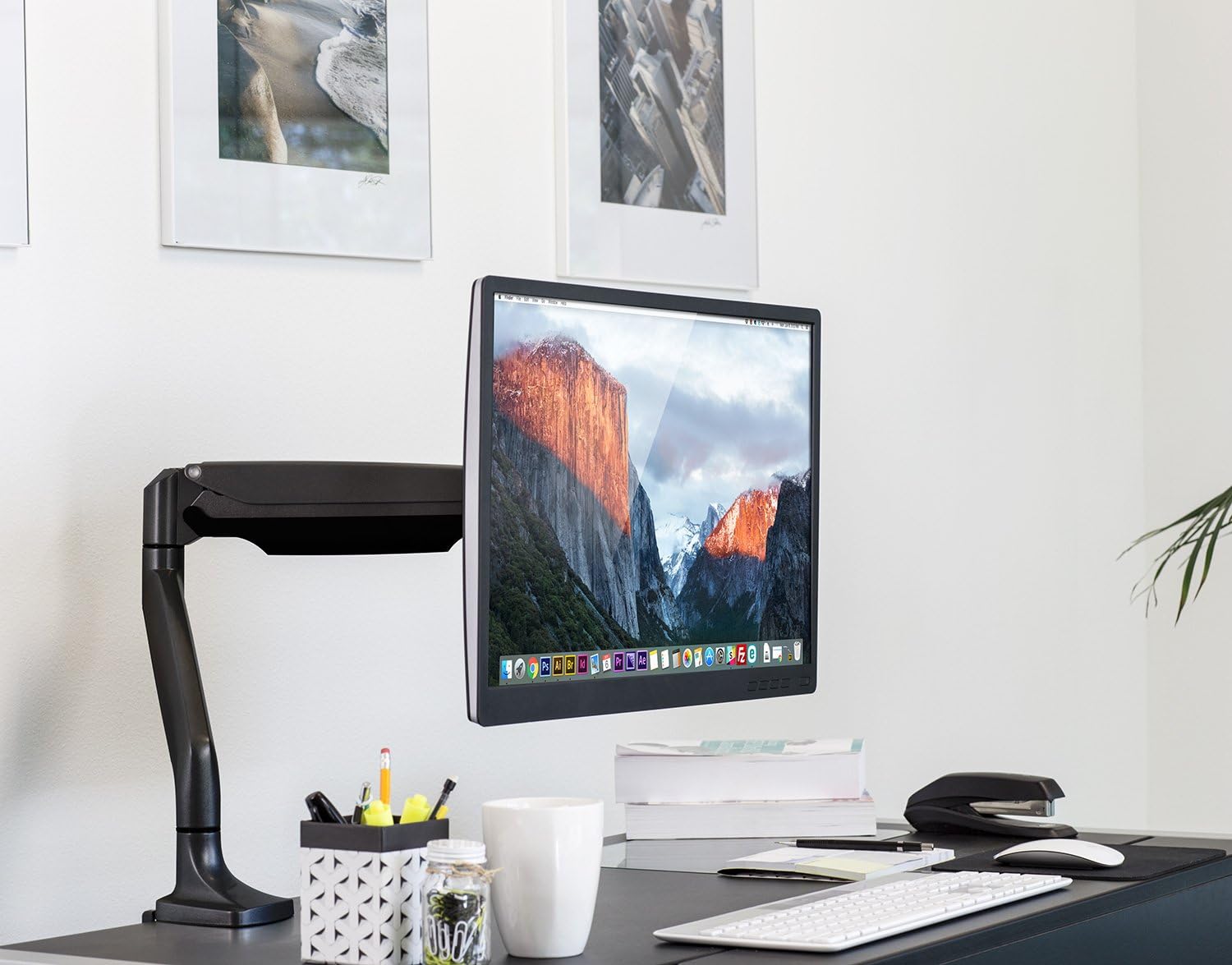
Deep desks often make it hard to position a monitor close enough. The Mount-It! Long Arm features an extended reach of up to 24 inches, ensuring your screen is always at the correct focal distance. It’s also incredibly sturdy, supporting screens up to 32 inches with ease.
✓ Pros
- Extra Long Reach: Perfect for deep standing desks.
- Full 360 Rotation: Great for vertical coding.
- Heavy Duty: Built for larger monitors.
✗ Cons
- Stiff Joints: Requires some force to move initially.
- Complex Assembly: More screws than competitors.
5. MOUNTUP Single Monitor Arm – Best Value For Money
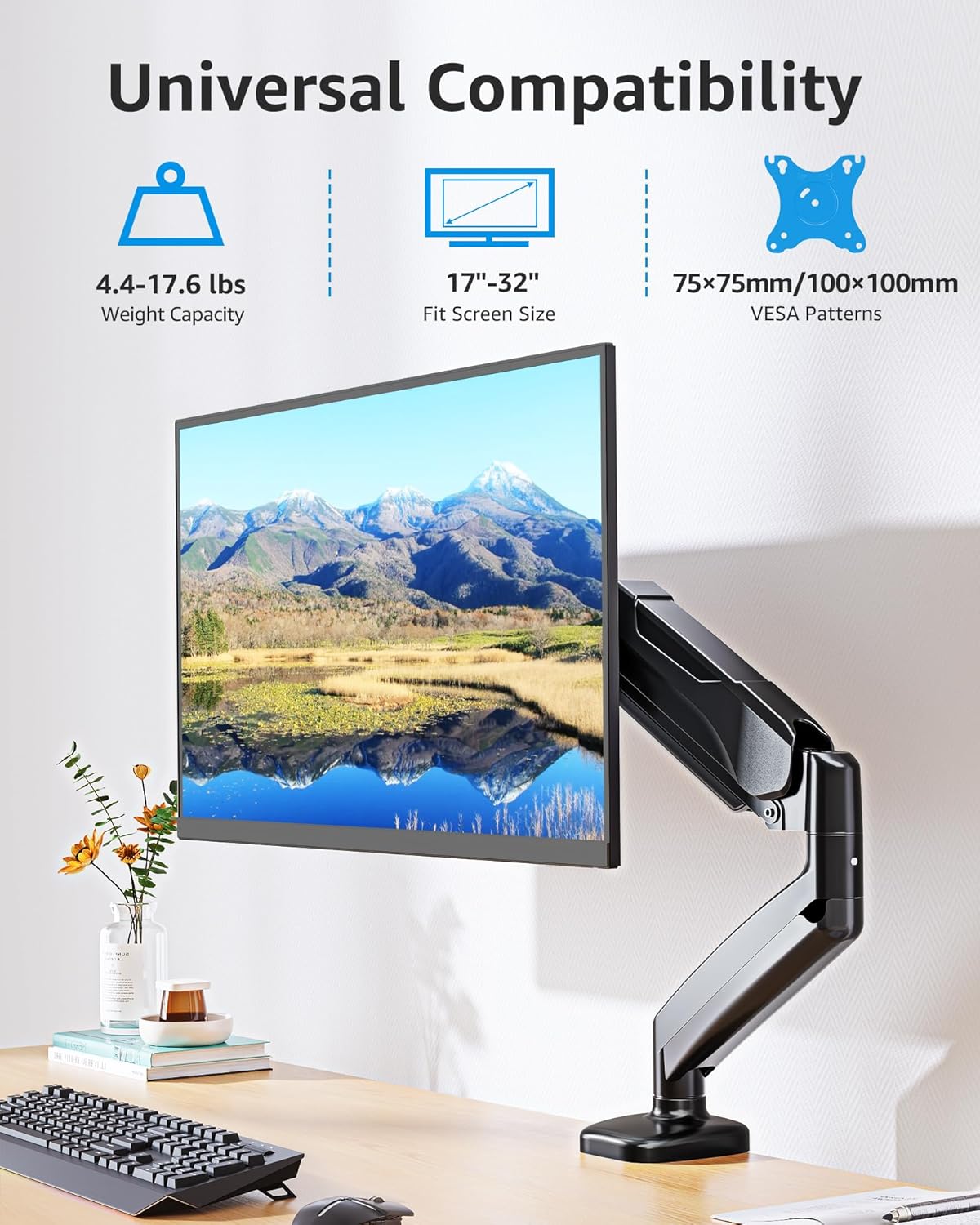
The MOUNTUP Single Monitor Arm hits the sweet spot between budget and premium. It features a reliable gas-spring system that makes vertical movement smooth and effortless. If you want a modern, sleek look with high performance without spending $100+, this is it.
✓ Pros
- Sleek Design: Looks great in modern home offices.
- Ease of Use: Very responsive height adjustment.
- Integrated Cable Mgmt: Keeps wires hidden and tidy.
✗ Cons
- Clamp Depth: May not fit very thin desk edges.
- Limited Pivot: Horizontal swivel is slightly restricted.
Monitor Arm Buying Guide
1. VESA Compatibility
Before buying, ensure your monitor has a VESA pattern (usually 4 screw holes on the back, 75x75mm or 100x100mm). Without this, you’ll need an additional adapter.
2. Weight Capacity
Monitor arms use either mechanical springs or gas springs. Gas springs are smoother but have strict weight ranges. Make sure your monitor weight falls within the arm’s minimum and maximum limits.
3. Desk Attachment Type
Most arms use a C-Clamp (grips the edge of the desk) or a Grommet Mount (goes through a hole in the desk). Check if your standing desk has a thick enough edge for a secure clamp.
Frequently Asked Questions (FAQ)
Can a standing desk handle a monitor arm?
Yes, most high-quality standing desks are designed to handle the localized weight of a clamped monitor arm. Just ensure the desk surface is not made of thin glass.
Will a monitor arm save desk space?
Absolutely. By lifting the monitor stand off the surface, you reclaim the area directly underneath the screen for your keyboard, mouse, or documents.
A great monitor arm pairs best with the right ergonomic chair.
See the 5 Best Ergonomic Office Chairs of 2026 →