Recommended buying guides
Turn this advice into a better setup
If this guide helped you identify what needs fixing, these related buying guides are the next practical step.
A strong desk setup brings your chair, desk height, monitor position, input devices, lighting, and cable management into one system. This guide helps remote workers build a practical setup that feels comfortable for long days, not just good in photos.
Turn the setup plan into product choices
After you understand the layout, use these buying guides to choose the parts that fit your room and budget.
The Priority Order — Read This First
Before anything else, understand this hierarchy. If you have a limited budget, spend it in this order:
- Chair — you’re in it all day, it directly affects your health
- Monitor(s) — your primary interface with your work
- Keyboard and mouse — the tools you touch every minute
- Lighting — underrated, massively affects eye strain and focus
- Desk — almost any stable flat surface works at this point
- Accessories — cable management, stands, hubs
The Starter Setup: Under $500
Chair: ~$180–$220
The Ticova Ergonomic Office Chair or the SIHOO M57 are the picks at this tier. Both have adjustable lumbar support, adequate armrests, and breathable mesh backs. You’re not buying Herman Miller — you’re buying functional ergonomics that will protect your back.
Desk: ~$80–$120
A basic 55-inch desk from Amazon Basics, IKEA Linnmon, or Flexispot’s entry-level options. Nothing fancy — just enough surface area. At this budget, you cannot afford both a standing desk and a good chair. The chair wins.
Monitor: ~$120–$180
If you’re using a laptop, the single most impactful purchase you can make is a $25 laptop stand plus a $25 external keyboard. Your laptop screen is too low. Raise it to eye level. This eliminates the “hunch” that causes neck and shoulder pain.
For an external monitor: a 24-inch 1080p or 27-inch 1440p in this price range is excellent. LG, Dell, and ASUS all have solid options.
Lighting: ~$30–$50
A LED monitor light bar clips to the top of your monitor and provides glare-free desk lighting without taking up surface space. A game changer for evening work sessions.
The Productivity Setup: $500–$1,500
Chair upgrade: $250–$400
The Oline ErgoPro or a refurbished Herman Miller Aeron (buy refurbished from office liquidators — you can find them for $400–$600) is the step change here. You’ll feel the difference within 20 minutes of sitting in one.
Standing desk: $350–$700
The FlexiSpot E7 or the Uplift V2 at its base configuration are solid picks. Dual-motor, stable, memory presets. This is the frame you’ll have for 10 years.
Dual monitors: $300–$500
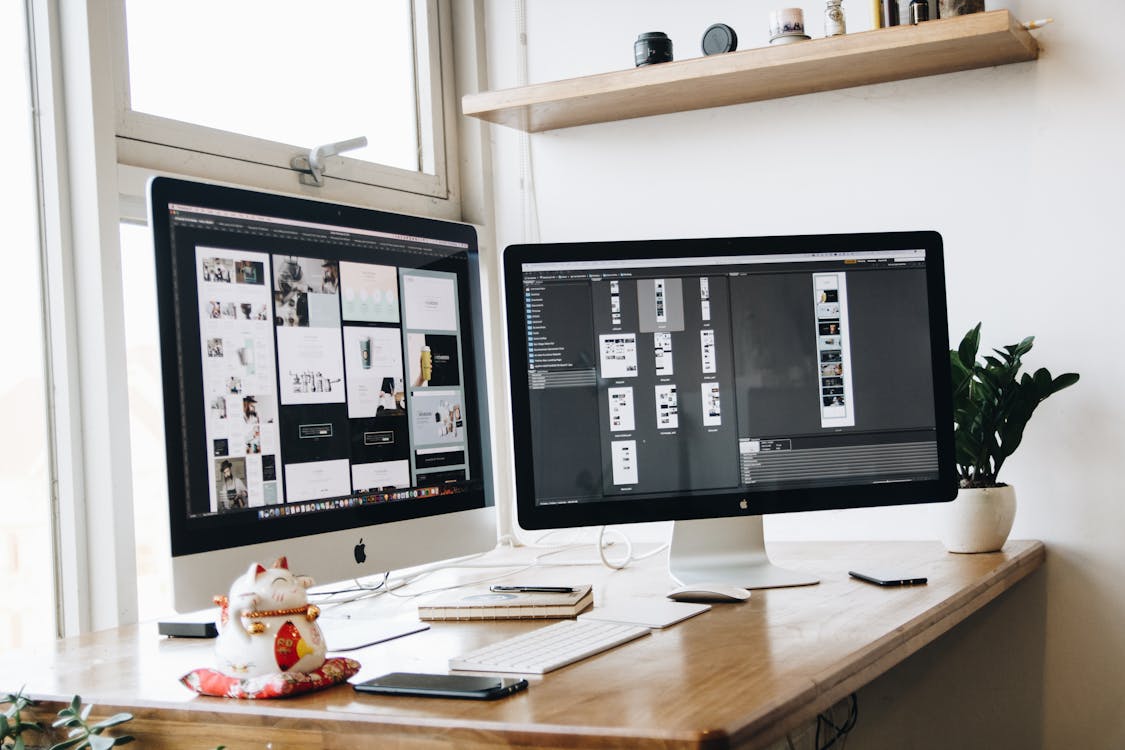
Research from the University of Utah found that dual monitors can increase productivity by 20–30% for tasks requiring reference and comparison. For developers, writers, analysts, and designers, this is significant.
Monitor arm: $50–$150
Replace the stands your monitors came with. A good dual monitor arm (Ergotron LX is the standard) frees up 12–15 inches of desk depth, allows precise positioning, and looks dramatically cleaner.
Mechanical keyboard: $80–$180
If you type thousands of words a day, the tactile feedback of a mechanical keyboard is genuinely more accurate and less fatiguing than membrane keyboards. For quiet environments: brown or red switches. Don’t mind noise: blue or green.
The Pro Setup: $1,500+
Ultra-wide monitor: $400–$800
A 34-inch or 38-inch ultra-wide replaces two monitors with one seamless screen — zero bezel gap in the center of your visual field, plus curved screens that reduce eye movement strain. The LG 34WN80C-B and Dell U3423WE are the standards at this tier.
Premium chair: $600–$1,500
The Herman Miller Aeron, Steelcase Leap V2, or Haworth Fern. These chairs are the reference standard — designed by human factors engineers, built to last 12+ years, with 12-year warranties. If you sit 8 hours a day for 10 years, the per-hour cost of a $1,200 chair is less than a cup of coffee.
Lighting upgrade: $150–$300
Bias lighting behind the monitor (Govee or Philips Hue Play strips), a high-CRI desk lamp (minimum 90 CRI), and smart lighting you can control by voice or shortcut. Three-point lighting for video calls makes a significant difference in how you appear in meetings.
Accessories: Worth It vs. Hype
Worth buying:
- Cable management tray (under-desk, $20–$35) — eliminates floor clutter
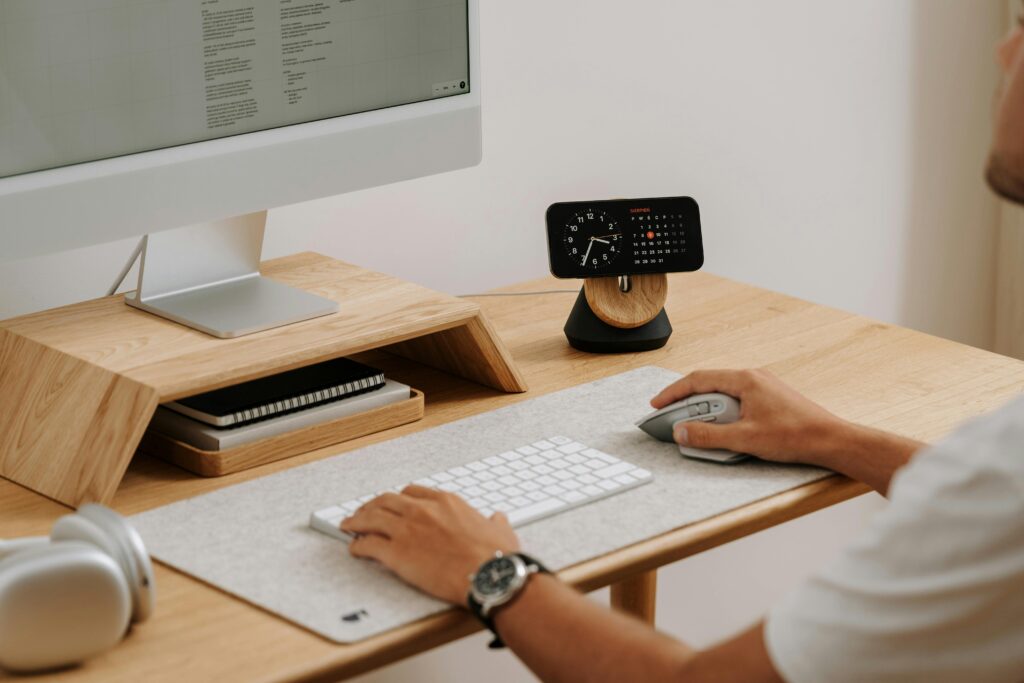
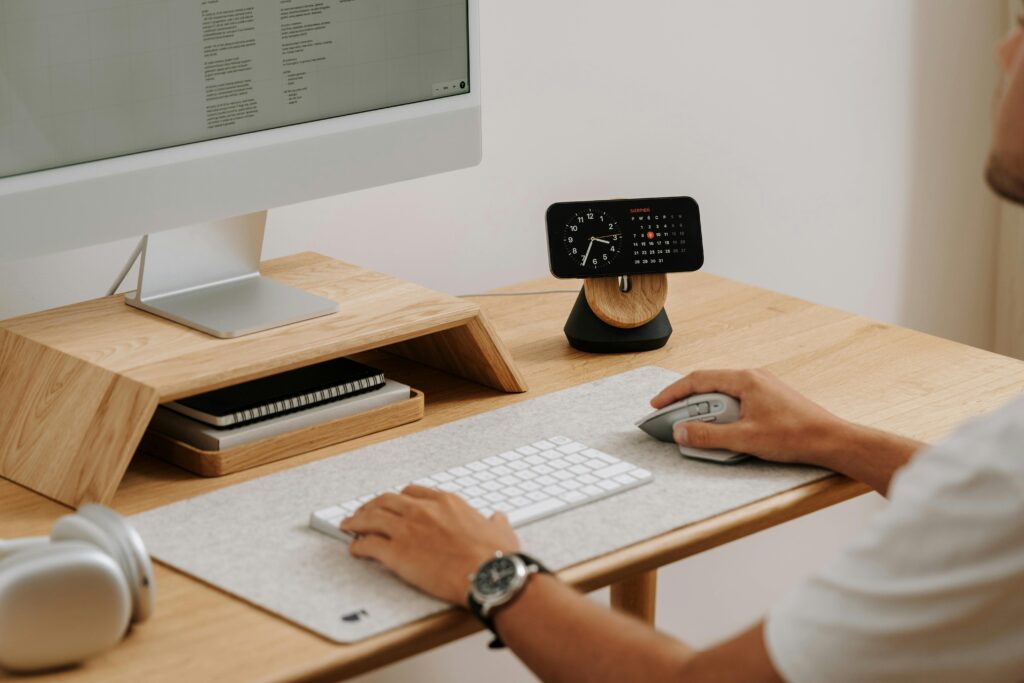
- Desk pad / leather mat ($25–$60) — protects surface, anchors keyboard and mouse
- USB-C hub or Thunderbolt dock ($50–$150) — one cable to connect everything
- Headphone stand with wireless charger ($30–$50) — keeps headphones off the desk
- Standing mat ($40–$80) — if you have a standing desk, this is not optional
Mostly hype:
- Desk risers (just get a monitor arm)
- Wrist rests (often cause more problems if used incorrectly)
- Ambient mood lighting (looks great, minimal productivity impact)
- Most “smart” desk gadgets that connect to apps
See our full reviews for every product category mentioned in this guide.
Browse All Product Reviews →