If you are comparing ergonomic office chairs for a home office, the biggest mistake is starting with a product name. Start with fit. A chair can have thousands of positive reviews and still be wrong for your body, your desk height, or the number of hours you sit each day.
This guide is a practical chair-selection checklist. Use it before you read a product roundup, then move into the buying guides linked below when you know what kind of support you actually need.
This page explains how to choose. If you are ready to compare specific chairs, use the focused guides below.
Chair buying path
Ready to compare real chair picks?
Use this checklist to understand fit, then compare our chair shortlists with lumbar support, adjustability, and value notes.
1. Match the chair to your desk height first
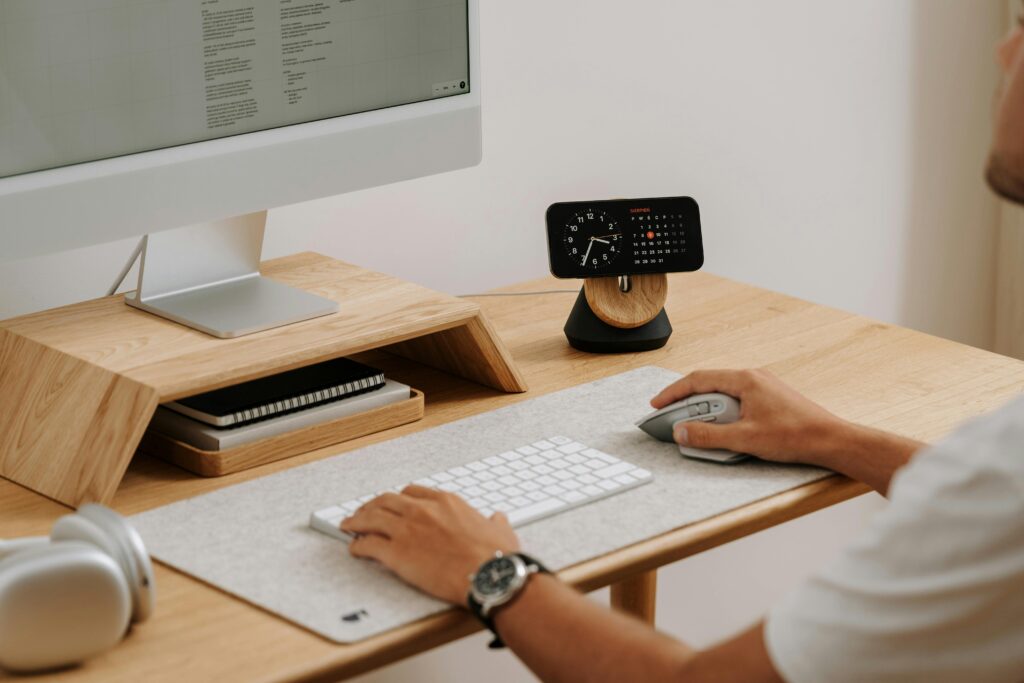
The chair and desk have to work as one system. When seated, your feet should rest flat, your knees should sit close to a 90-degree angle, and your forearms should be roughly level with the desk surface. If the chair is too tall for the desk, your shoulders rise while typing. If it is too low, your wrists and neck compensate.
For fixed-height desks, seat-height range is more important than it looks. For standing desks, the chair still matters because most people alternate between sitting and standing throughout the day. A standing desk does not fix a chair that puts your hips, arms, or lower back in a bad position.
2. Check seat depth before you care about features
Seat depth determines whether the chair supports your thighs without pressing behind your knees. A good fit leaves a small gap between the front edge of the seat and the back of your knees. If the seat pan is too deep, shorter users tend to slide forward and lose lumbar support. If it is too shallow, taller users may feel unsupported during long sessions.
This is why “best chair” searches are tricky. The right chair for someone over six feet tall may be uncomfortable for someone under five foot six, even when both people want the same general ergonomic features.
3. Treat lumbar support as a fit question, not a buzzword
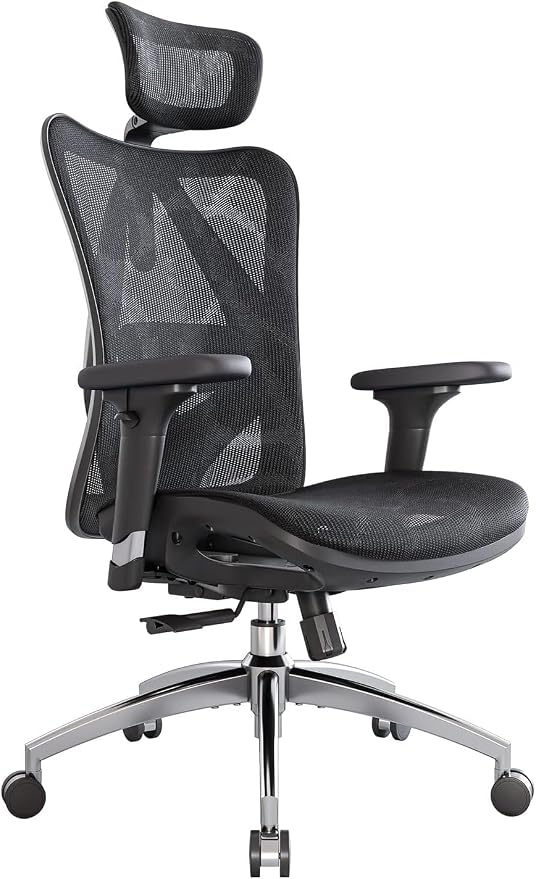
Lumbar support should meet the natural curve of your lower back. Too little support can let you collapse into the chair. Too much support, or support in the wrong place, can feel like a hard object pushing into your spine. Adjustable lumbar height and depth are useful because back shape, torso length, and posture habits vary widely.
If lower-back pain is the main reason you are shopping, do not choose purely by price or star rating. Look for clear return terms, adjustable support, and enough seat-height range to match your desk. Then compare the more specific lower-back and back-pain chair guides instead of a broad roundup.
4. Decide whether you need armrest adjustability
Armrests should let your shoulders relax while typing. If they are too high, your shoulders shrug. If they are too low or too far apart, your elbows hang and your upper back works harder. Height-adjustable arms are the minimum. Width, depth, and pivot adjustments help if you spend long hours typing, switch between keyboard and mouse often, or use a narrow desk.
Flip-up arms can be helpful in small spaces, but they are not automatically more ergonomic. They are useful when you need to tuck the chair under a desk or move closer to a keyboard tray. For all-day work, stable adjustable arms usually matter more.
5. Choose mesh or cushion based on your workday
Mesh backs breathe well and often feel better in warm rooms. Cushioned seats can feel softer at first, but low-quality foam compresses over time. A firm seat is not automatically bad if it keeps you supported; a soft seat is not automatically good if it causes you to sink and round your lower back.
For long workdays, look for a chair that stays comfortable after several hours, not just during the first five minutes. Reviews that mention long sessions, heat buildup, seat firmness, and assembly quality are often more useful than generic comfort claims.
6. Pick the right guide for your situation
| If your main problem is… | Read this next |
|---|---|
| You want the safest all-around shortlist | Best ergonomic office chairs for home offices |
| Lower-back support is the priority | Best office chairs for back pain |
| You want value but can spend up to $500 | Best ergonomic chairs under $500 |
| Your budget is tighter | Best office chairs under $300 for lower back pain |
Quick checklist before you buy
- Measure your desk height before choosing a chair.
- Check seat-height and seat-depth ranges, not only overall chair dimensions.
- Prioritize adjustable lumbar support if you sit for long sessions.
- Make sure armrests can support relaxed shoulders at your keyboard height.
- Read return-policy details before buying any chair you have not tried in person.
- Use broad roundups for discovery, then use pain-point guides for the final decision.
The best ergonomic chair is not the one with the most features. It is the one that fits your body, your desk, your room, and your daily work pattern with the fewest compromises.
For body-size-specific guidance, also see the fit guide for shorter users and the fit guide for tall users.