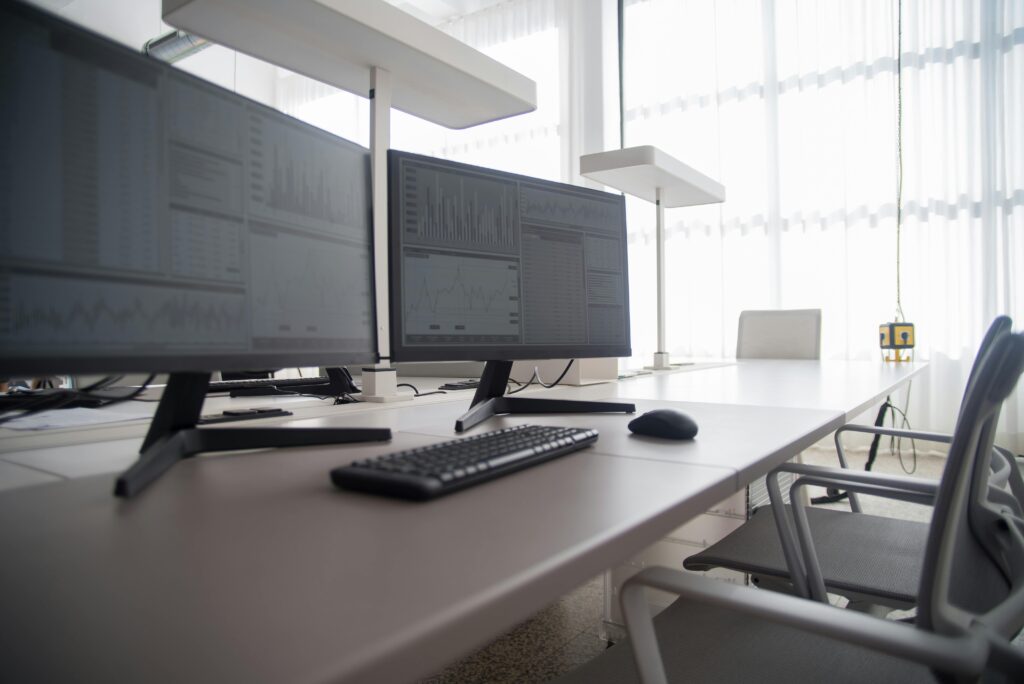
Lighting
Lighting guides on WorkspaceWisePro help you reduce eye strain and look clearer on video calls without turning your home office into a studio. Good light is part of desk ergonomics: glare on the monitor, harsh overheads, and a single front-facing lamp that washes out your face all make long workdays harder. These articles stay practical — placement, contrast, and warm vs cool choices — without fake hands-on product theater.
Begin with the Home Office Lighting Guide, then pair it with monitor-height and desk-setup articles so brightness and screen position work together. If neck strain shows up when you lean toward a dim screen, read the Ergonomics pieces on eye-level monitor height next.
For product shortlists, check Reviews and related desk-accessory roundups, and treat any lamp recommendation as a starting point: test against your window direction, wall color, and call background. Lighting should support focus and video presence; it should not become another unfinished shopping cart. When the whole room still feels wrong, return to Guides for full workspace planning.
Home office lighting setup Recommended buying guides Turn this advice into a better setup If this guide helped you identify what needs fixing, these related buying guides are the next practical step. Best webcams for remote workBetter lighting pairs naturally with a sharper video-call camera.Open buying guide Best blue light glassesUseful if eye strain is
Home Office Lighting Guide: Perfect Lighting for Focus and Video Calls Read More »