
Build your home office in the right order.
Start with the parts that affect comfort and daily output most: chair support, desk height, screen position, input devices, lighting, and focus systems.
Your setup path
Use this sequence to avoid buying accessories before the foundation is right.
Back, seat depth, arm position, and lumbar support decide how long you can work comfortably.
Chair guidesChoose sitting and standing heights that keep shoulders relaxed and wrists neutral.
Desk height guideMonitor height and distance reduce neck strain and free up desk space.
Monitor arm picksKeyboard and mouse shape matter when you type or click all day.
Keyboard picksShop by goal
Pick the goal that matches your current workspace problem.
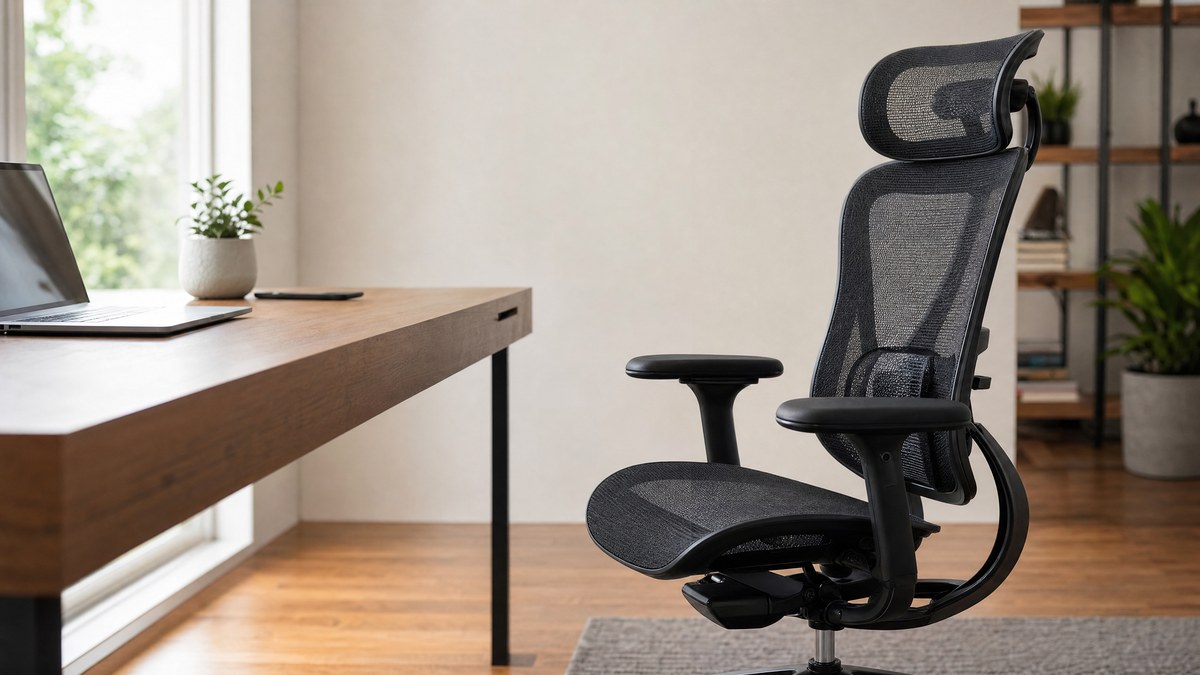
My back hurts after long sessions
Start with chairs for back pain, posture guides, and monitor height fixes.
Fix back support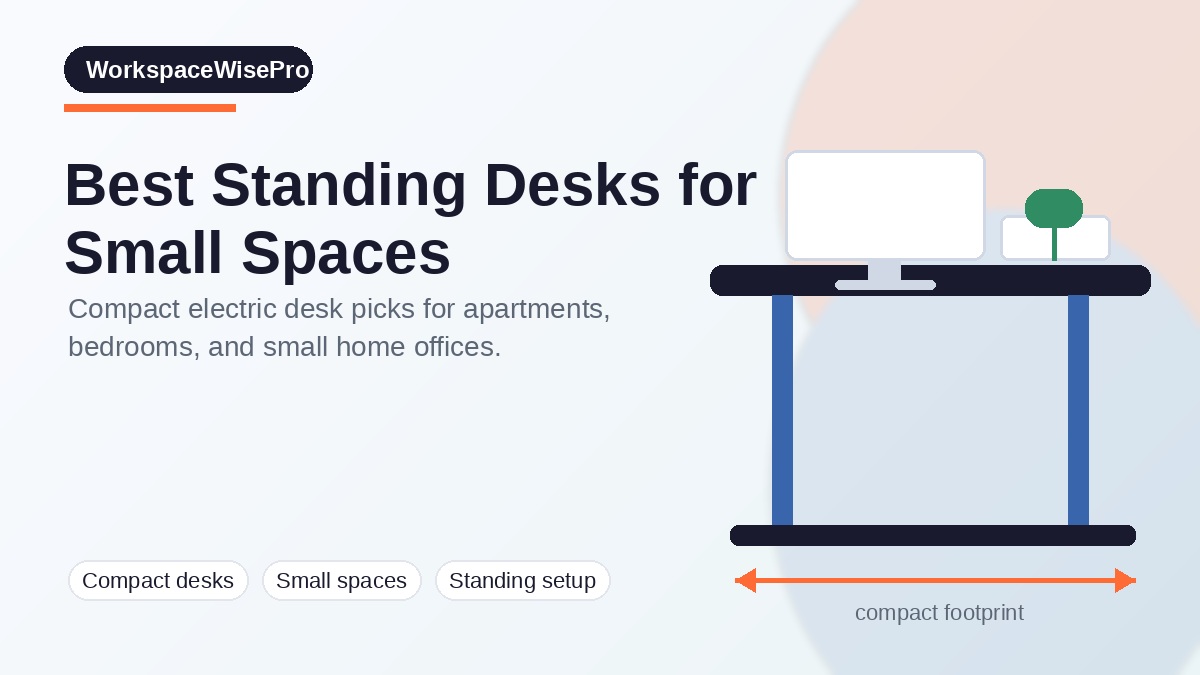
My office is small or crowded
Compare compact standing desks, laptop stands, cable management, and desk organizers.
Build a small setup
I need a cleaner work rhythm
Improve typing, pointing, video calls, focus, lighting, and daily productivity systems.
Improve workflowPlan the whole desk, not just one product
Use these practical guides to connect your chair, desk, monitor height, lighting, and productivity workflow into one setup that is comfortable and easier to work from every day.
Build a complete desk without overspending. Ultimate desk setup guide
Put your gear, posture, and workflow together. Monitor height guide
Reduce neck strain with better screen position. Is your chair hurting your back?
Spot the warning signs before buying again. Remote work productivity
Make your workspace support deeper focus. Productivity hacks
Simple improvements for better daily output. Ergonomic keyboards for standing desks
Pair your desk with a better typing setup. Essential desk accessories
Organize the small items that shape your workday.