Poor posture is one of the most common — and most overlooked — hazards of working from home. Without the ergonomic setups found in traditional offices, remote workers often find themselves hunching over laptops on sofas, craning their necks at poorly positioned monitors, or sitting for hours without a single break. The good news: improving your posture while working from home doesn’t require expensive equipment or a complete office overhaul. Small, consistent changes make an enormous difference.
Why Posture Matters More Than You Think
Bad posture doesn’t just cause back pain — it affects breathing, energy levels, and even mood. When you slouch, your lungs can’t fully expand, reducing oxygen intake and causing fatigue. Chronic neck and shoulder tension can lead to tension headaches, and compressed spinal discs over time can result in lasting nerve damage. Research from the American Chiropractic Association suggests that back pain is one of the leading causes of missed workdays, and poor ergonomics is a primary driver among remote workers.
The silver lining is that most posture problems caused by working from home are entirely preventable and reversible with the right habits and setup adjustments.
Set Up Your Chair Correctly
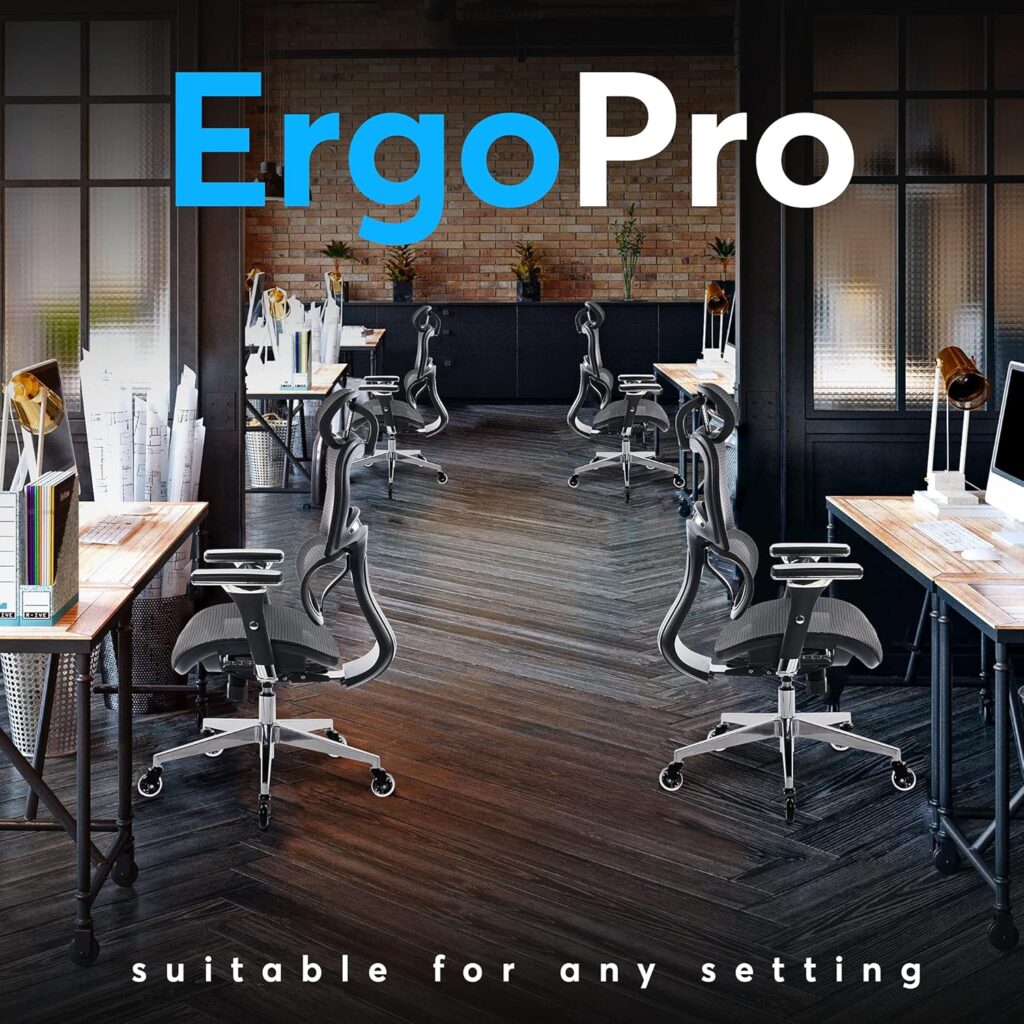
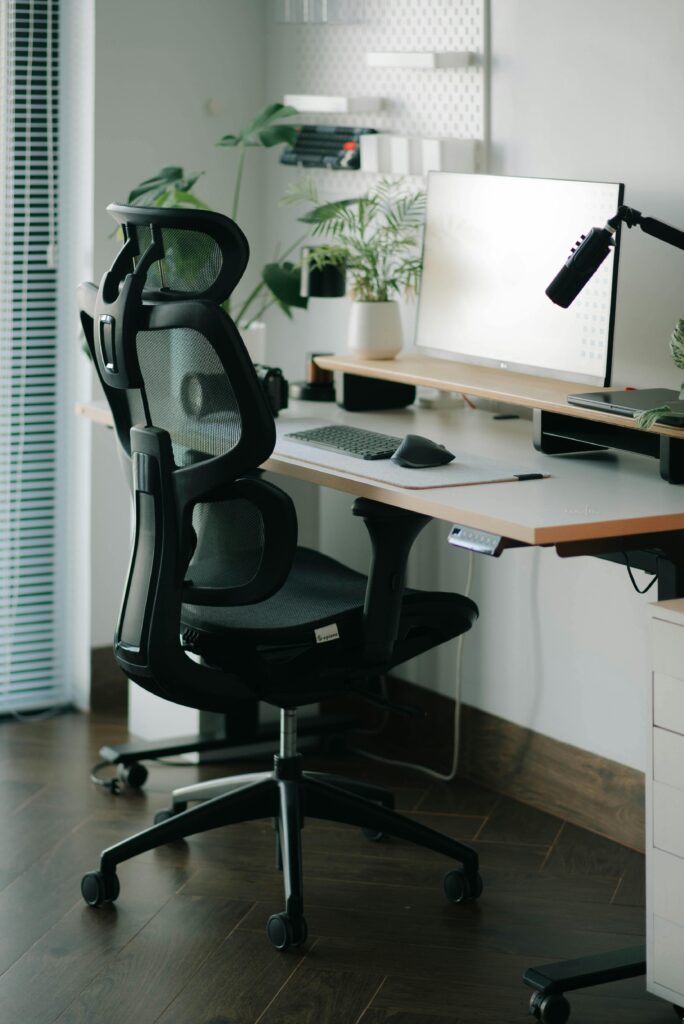
Your chair is the foundation of good posture. Adjust your seat height so your feet rest flat on the floor (or on a footrest), your knees are at roughly a 90-degree angle, and your thighs are parallel to the ground. Your hips should sit slightly higher than your knees — this tilts your pelvis forward and naturally encourages a neutral spine rather than a slumped lower back.
Lumbar support is non-negotiable. If your chair lacks built-in lower back support, a rolled-up towel or an inexpensive lumbar cushion (around $20–$30) placed at the curve of your lower back can make an immediate and noticeable difference. Your back should be in contact with the chair back at all times — not hovering in space.
Position Your Monitor at Eye Level
One of the most common posture mistakes is looking down at a laptop screen for hours at a time. This “tech neck” position puts up to 60 pounds of force on the cervical spine — far more than the roughly 10–12 pounds your head weighs in a neutral position. The fix is simple: raise your monitor so the top of the screen is at or just slightly below eye level, and position it about an arm’s length away from your face.
If you’re using a laptop, a laptop stand (as low as $20) combined with an external keyboard and mouse is the single most impactful ergonomic upgrade you can make. It elevates the screen to the correct height while freeing your hands to type at elbow height — a win for both your neck and your wrists.
Keep Your Keyboard and Mouse at Elbow Height
Your elbows should be bent at approximately 90 degrees when typing, with your forearms roughly parallel to the floor or angled slightly downward. If you’re reaching up to type, your desk is too high — if you’re reaching down, it’s too low. Typing with your wrists bent upward strains the tendons and can lead to repetitive strain injuries like carpal tunnel syndrome over time.
Keep your mouse close to your keyboard so you’re not reaching across your body or extending your arm outward repeatedly. A mouse pad with a wrist rest can help maintain a neutral wrist angle, particularly during long sessions of scrolling and clicking.
Take Regular Movement Breaks
No matter how perfectly ergonomic your setup is, prolonged static sitting is hard on the body. The human body is designed to move, and muscles held in the same position for extended periods fatigue and tighten. Aim to stand, stretch, or walk for at least 5 minutes every hour. Setting a recurring alarm or using a free app like Stretchly or Stand Up! can prompt you before you even notice the stiffness setting in.
When you do stand up, do a few simple movements: roll your shoulders backward, tilt your head gently from side to side, reach your arms overhead, and do a few gentle spinal twists. These micro-breaks are far more effective than one long stretch at the end of the day and help counteract the compressive forces sitting places on your spine.
Strengthen the Muscles That Support Good Posture
Good posture isn’t just about positioning — it requires muscular endurance. The deep core muscles, glutes, and upper back muscles all play a critical role in holding your spine in a neutral position throughout the day. When these muscles are weak, your body defaults to passive slouching that offloads the work onto your joints and ligaments instead.
Even 10 minutes of targeted exercise a day can make a significant difference. Wall angels, dead bugs, bird-dogs, and shoulder blade squeezes are all highly effective exercises that require no equipment and directly target the muscles responsible for upright posture. Consistency matters far more than intensity — a short daily routine beats an occasional intense workout for posture improvement.
Adjust Your Habits, Not Just Your Setup
Even a perfect ergonomic workstation won’t help if you’re constantly leaning forward to read small text, cradling your phone between your ear and shoulder, or sitting cross-legged on your chair. Be mindful of these habits throughout the day. Increase your browser’s zoom level if you’re squinting at text. Use headphones or a speakerphone for long calls. Keep both feet flat on the floor rather than tucking one leg under you.
Consider placing a sticky note on your monitor as a posture reminder — something as simple as “Sit tall” can prompt a reset every time you catch it. Over time, the neutral position starts to feel natural rather than effortful, and you’ll notice the difference in energy and comfort by the end of the day.
Posture Improvement Checklist
- ✅ Chair height adjusted so feet are flat and knees at 90°
- ✅ Lumbar support in place at the curve of your lower back
- ✅ Monitor top at or just below eye level, arm’s length away
- ✅ Keyboard and mouse at elbow height with neutral wrists
- ✅ Movement break taken every hour (at least 5 minutes)
- ✅ Daily posture-strengthening exercises in routine
- ✅ Phone held or on speakerphone — not cradled by neck
- ✅ Reminder set to check and reset posture regularly
Frequently Asked Questions
How long does it take to improve posture from working at home?
Most people notice a reduction in neck, shoulder, and back tension within 1–2 weeks of consistently applying ergonomic adjustments and movement breaks. Muscle re-patterning for lasting postural change typically takes 4–8 weeks of daily attention. The key is making the changes habitual rather than occasional — small, consistent adjustments compound over time into genuinely improved posture.
Is sitting up straight all day actually good for you?
Interestingly, perfectly rigid “sit up straight” posture isn’t the goal — and holding it all day is its own form of strain. What you’re aiming for is a relaxed neutral spine: the natural S-curve of your back maintained without tension. Your weight should be evenly distributed, your shoulders relaxed (not pulled back stiffly), and your head balanced over your spine rather than jutting forward. Variety of position throughout the day matters as much as the quality of any single posture.
Can a standing desk fix my posture problems?
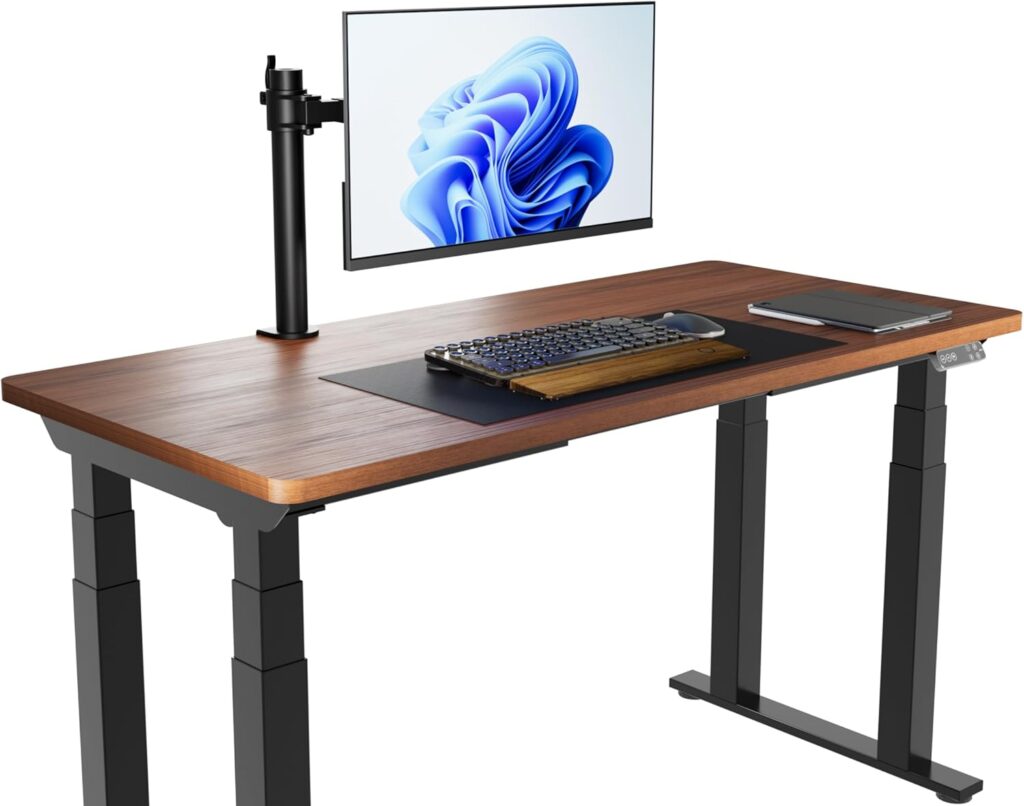
A standing desk helps, but only if used correctly. Standing with your weight on one leg, leaning on the desk, or standing for too long without movement can create its own postural problems. The real benefit of a standing desk is the ability to alternate between sitting and standing every 30–60 minutes, which reduces the cumulative strain of either position. Combined with proper monitor height and an anti-fatigue mat, alternating between sitting and standing is one of the most effective strategies for overall postural health.