Neck and shoulder pain in a home office is often a setup problem, not just a chair problem. A monitor that sits too low, a keyboard that pushes the mouse too far away, or a desk that makes you shrug can all create tension during long remote-work days.
This guide walks through the main setup checks before you buy more gear. It is informational only and not medical advice, but it can help you identify common ergonomic issues worth fixing.
Pain-reduction setup path
Ready to fix the gear side of the setup?
Use the posture guidance here, then compare chairs and laptop stands that help improve screen height, support, and comfort.
Start with monitor height
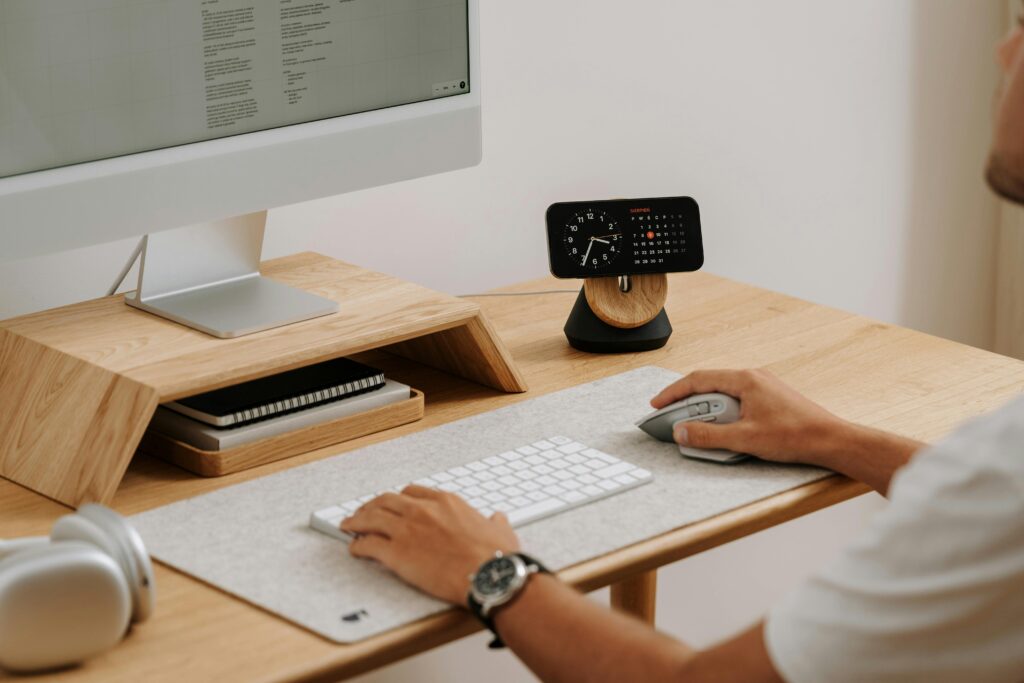
If your monitor is too low, you may bend your neck forward without noticing. If it is too high, you may lift the chin and strain the neck. A practical starting point is to place the top portion of the screen near eye level, then adjust based on comfort, glasses, and screen size.
Laptop-only work is a common problem because the screen and keyboard are attached. For longer sessions, a laptop stand plus external keyboard and mouse can reduce the compromise.
Common setup causes of neck and shoulder pain
| Issue | What it can cause | First fix to try |
|---|---|---|
| Monitor too low | Forward head posture. | Raise screen or use a monitor arm. |
| Desk too high | Shoulder shrugging while typing. | Adjust chair, desk, or keyboard tray. |
| Mouse too far away | Shoulder reach and upper-back tension. | Use a narrower keyboard or move mouse closer. |
| Chair arms too high | Raised shoulders. | Lower arms or move them out of the way. |
Keyboard and mouse position affect the shoulders
The keyboard should let your elbows stay close to your sides. If the keyboard is very wide, the mouse may sit too far away, which makes the shoulder reach outward all day. A compact keyboard can sometimes reduce shoulder tension more than a new chair.
Keep the mouse close and at the same approximate height as the keyboard. If you use a standing desk, recheck this in both sitting and standing modes.
Chair fit still matters
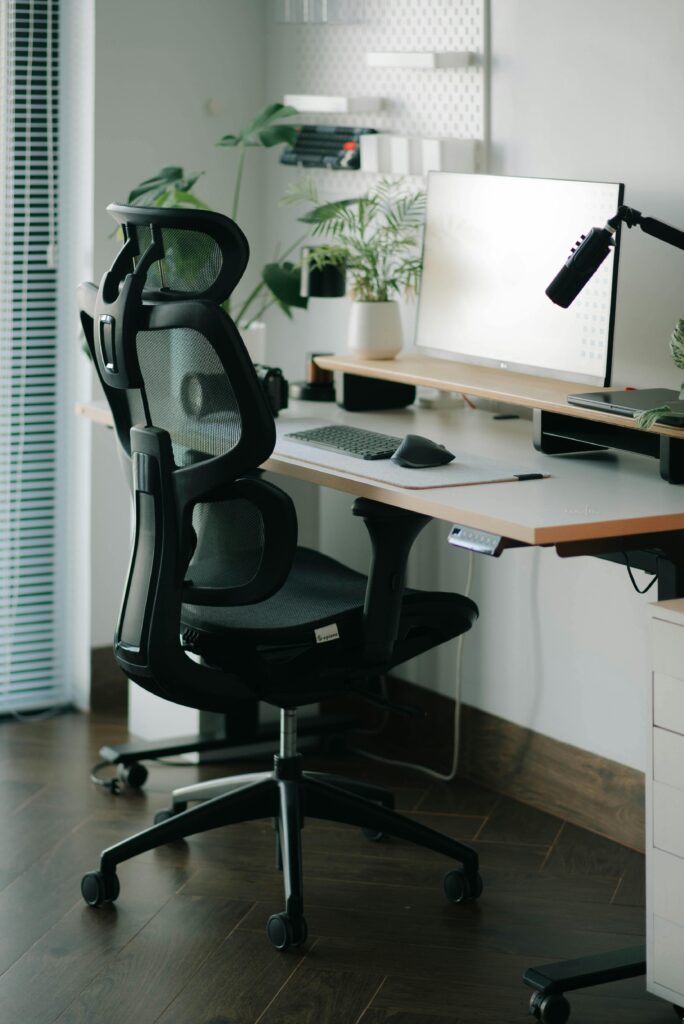
A chair that is too tall, too deep, or poorly matched to the desk can push the rest of the setup out of alignment. Chair height should support relaxed shoulders at the desk while your feet rest on the floor or on a stable footrest.
If back pain is also part of the problem, compare chair fit and lumbar support before choosing by price or popularity alone.
Neck and shoulder setup checklist
- Raise the monitor if you look down for long periods.
- Keep keyboard and mouse close to the body.
- Use a narrower keyboard if mouse reach is wide.
- Set desk height so shoulders do not shrug.
- Check chair arm height and seat height together.
- Take movement breaks instead of relying only on gear.
If pain is severe, persistent, or radiating, get professional medical guidance. Ergonomic setup changes can help reduce common strain, but they are not a diagnosis or treatment plan.
Daily habits matter as much as equipment
Even a well-positioned monitor and chair cannot remove all strain if you stay locked in one posture for hours. Short movement breaks, changing focus distance, and resetting shoulder position during calls can make the setup work better.
Try checking your posture at natural work transitions: before a meeting, after a call, or when switching tasks. Those moments are easier to remember than a strict timer and can help prevent the slow slide into forward-head posture.