Quick buying shortcut
Start with these picks from this guide, then compare the current Amazon price, stock, delivery window, and return terms before deciding.
As an Amazon Associate, WorkspaceWisePro may earn from qualifying purchases. Prices and availability can change.
Compare the best ergonomic keyboards for standing desks in 2026, including split, low-profile, and wrist-friendly picks for comfortable typing while sitting or standing.
Start with the top pick from this guide
If you want the fastest route, check the first recommended product, then scan the Buy if / Skip if notes below to make sure it fits your setup.
Check Price on AmazonQuick buying shortcut
Ready to buy? Start with these picks
These are the first options worth checking from this guide. The buttons open Amazon in a new tab, so you can compare current price, stock, shipping, and return terms before deciding.
As an Amazon Associate, WorkspaceWisePro may earn from qualifying purchases. Prices and availability can change.
We compare home-office products by practical fit, comfort, adjustability, durability signals, buyer feedback patterns, and value for real remote-work setups. Affiliate links may earn us a commission, but they do not decide which products appear here.
How we review products · Editorial standards · Affiliate disclosure
Mouse fit guide for small hands · Wireless keyboards for remote work · Ergonomic keyboards
Keyboard fit guide for wrist pain · Mouse fit guide for wrist comfort · Monitor height guide
Quick buying advice for ergonomic keyboards for standing desks
- Choose a split or curved layout if wrist angle is your main pain point.
- Prioritize wireless stability and low-profile keys if you frequently move between sitting and standing.
- Pair the keyboard with correct desk height; an ergonomic keyboard cannot fix a surface that is too high.
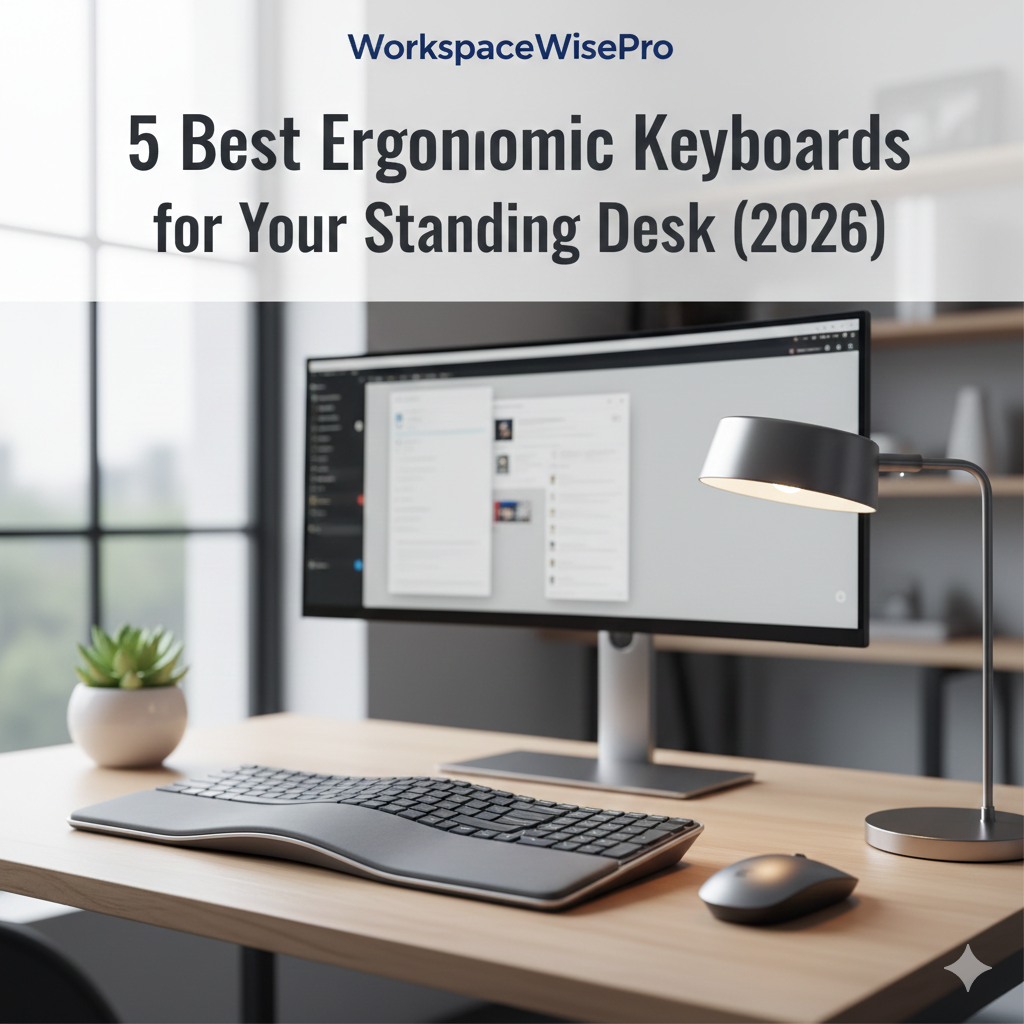
If you spend hours typing at your standing desk, a standard keyboard can lead to wrist fatigue and carpal tunnel symptoms. Ergonomic keyboards are designed to mimic the natural posture of your hands, reducing strain and boosting productivity. We’ve tested the top models of 2026 to help you find the perfect match for your workflow.
Before you choose from this list
Standing desks make keyboard choice more important because wrist angle changes between sitting and standing. Choose the layout that fits your hand position before choosing by price alone.
- Choose Logitech Ergo K860 if you want the safest all-around ergonomic pick.
- Choose Kinesis Freestyle2 if you want a true split keyboard with more positioning control.
- Choose MX Keys S if you want a premium typing feel but do not need a split layout.
Keyboard Comparison Overview
| Keyboard | Best For | Price | Check Price |
|---|---|---|---|
| Surface Ergo | Premium Design | $$$$ | 🛒 Check Price |
| Logitech K860 | Best Ergonomics | $$$ | 🛒 Check Price |
| MX Keys S | Speed & Flow | $$$ | 🛒 Check Price |
| Freestyle2 | Full Split Setup | $$$ | 🛒 Check Price |
| Perixx 512 | Budget Choice | $$ | 🛒 Check Price |
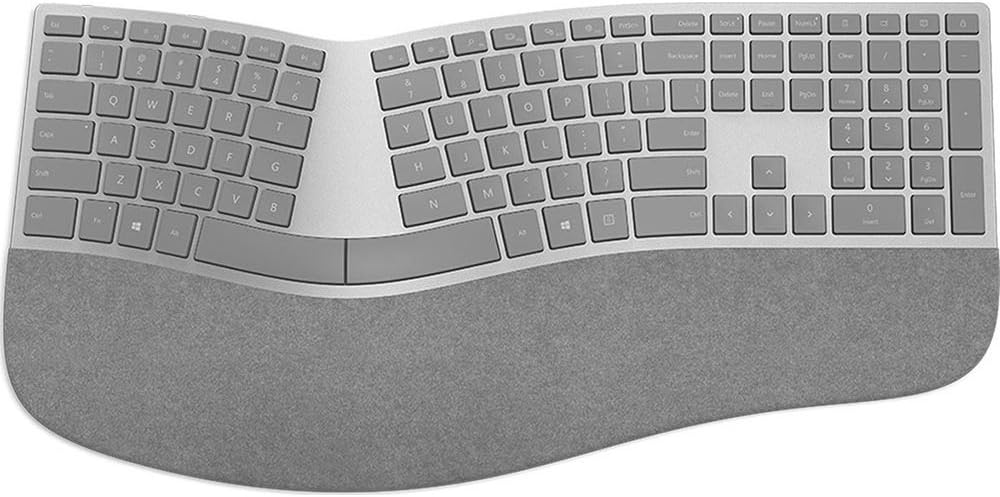
1. Microsoft Surface Ergonomic Keyboard
✓ Pros
- Premium Alcantara palm rest.
- Elegant, slim profile.
- Incredible wireless battery life.
✗ Cons
- No backlighting.
- Requires Bluetooth setup.
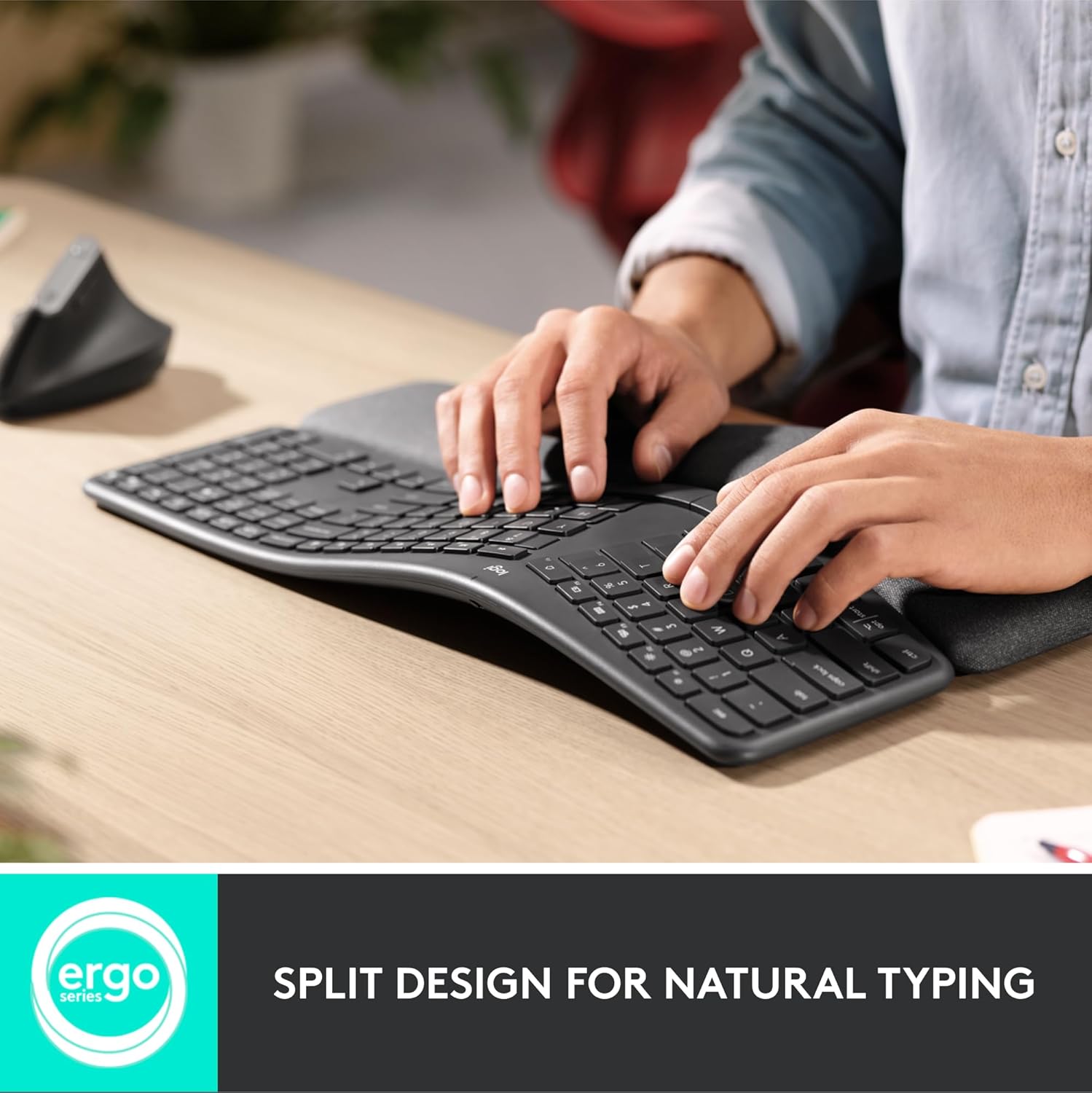
2. Logitech Ergo K860 Wireless Keyboard
✓ Pros
- Superior wrist support.
- Multi-device switching.
- Perfect for large hands.
✗ Cons
- Takes up significant desk space.
- Large footprint.
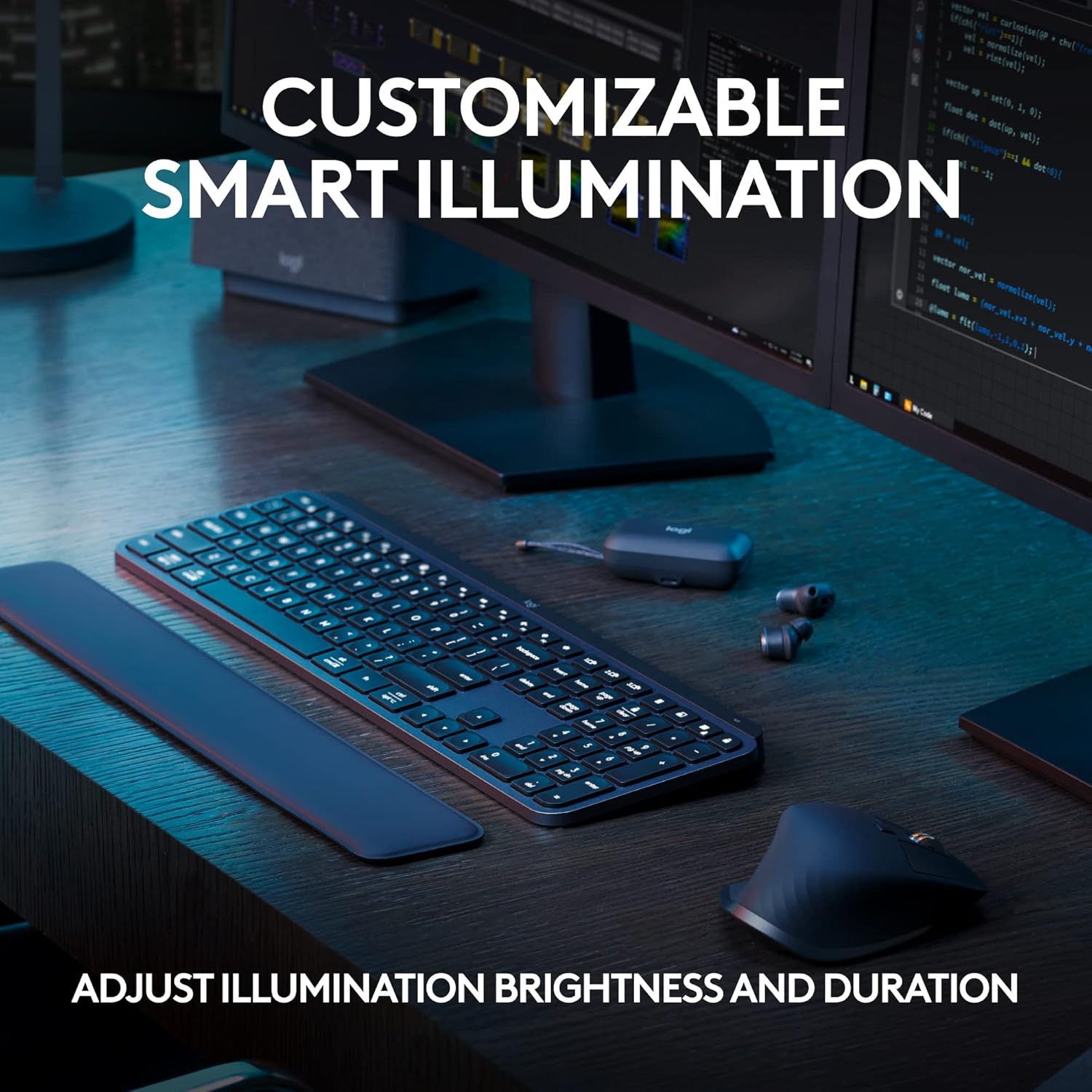
3. Logitech MX Keys S Keyboard
✓ Pros
- Ultra-quiet typing.
- Smart backlighting.
- USB-C rechargeable.
✗ Cons
- Traditional layout (not split).
- Wrist rest sold separately.
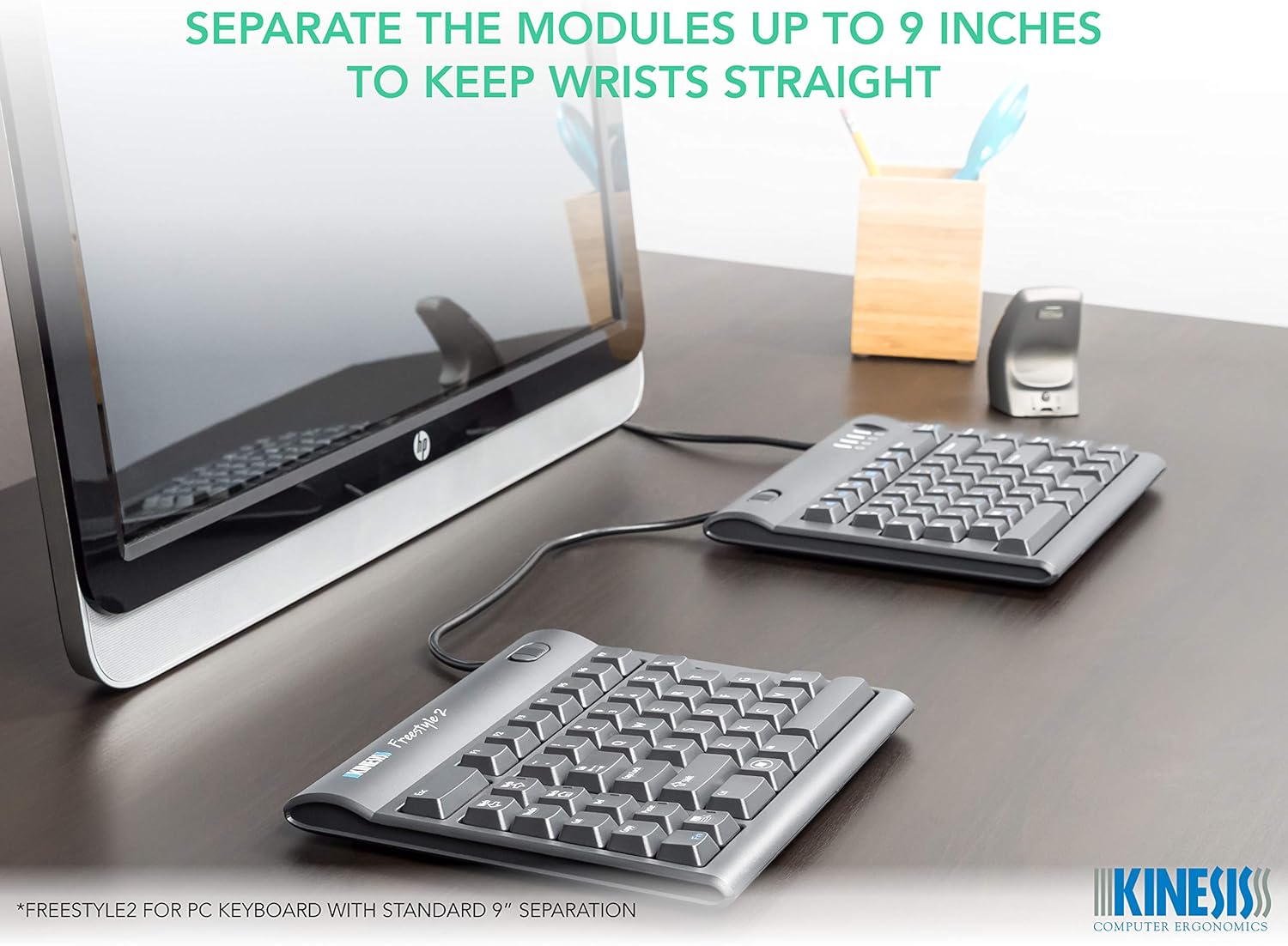
4. Kinesis Freestyle2 Ergonomic Keyboard
✓ Pros
- Fully adjustable split width.
- Low-force tactile keys.
- Slim and travel-friendly.
✗ Cons
- Wired connection.
- Steep learning curve.
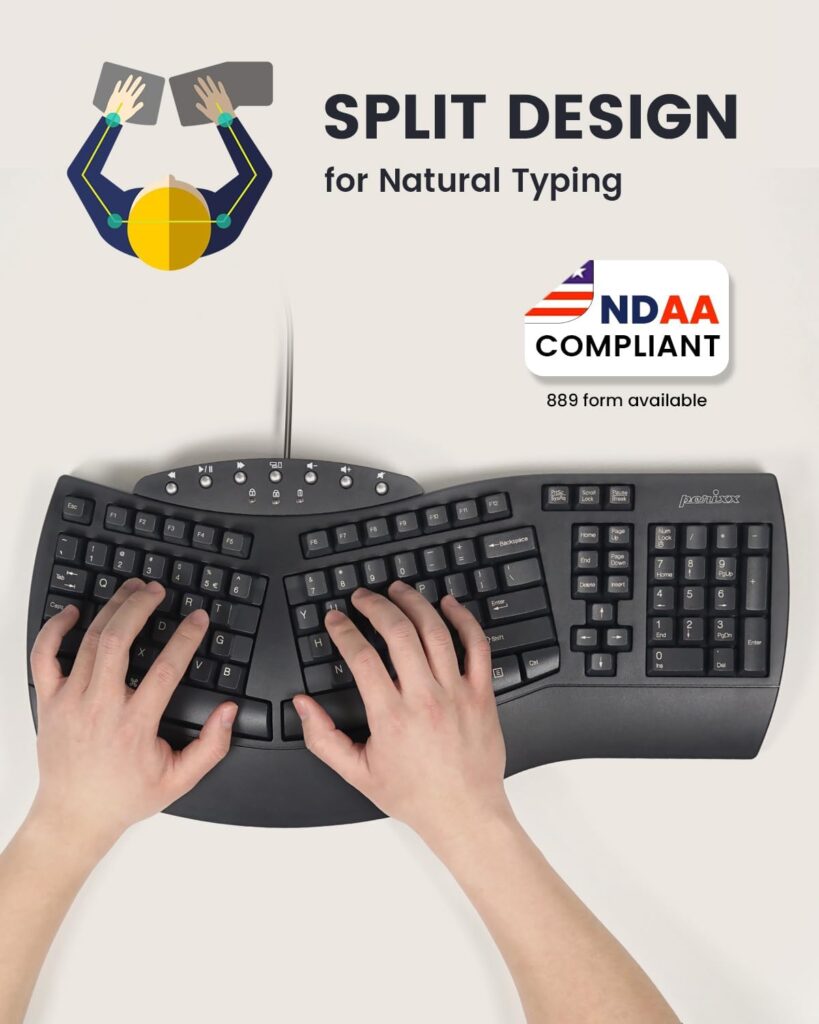
5. Perixx PERIBOARD-512 Ergonomic Keyboard
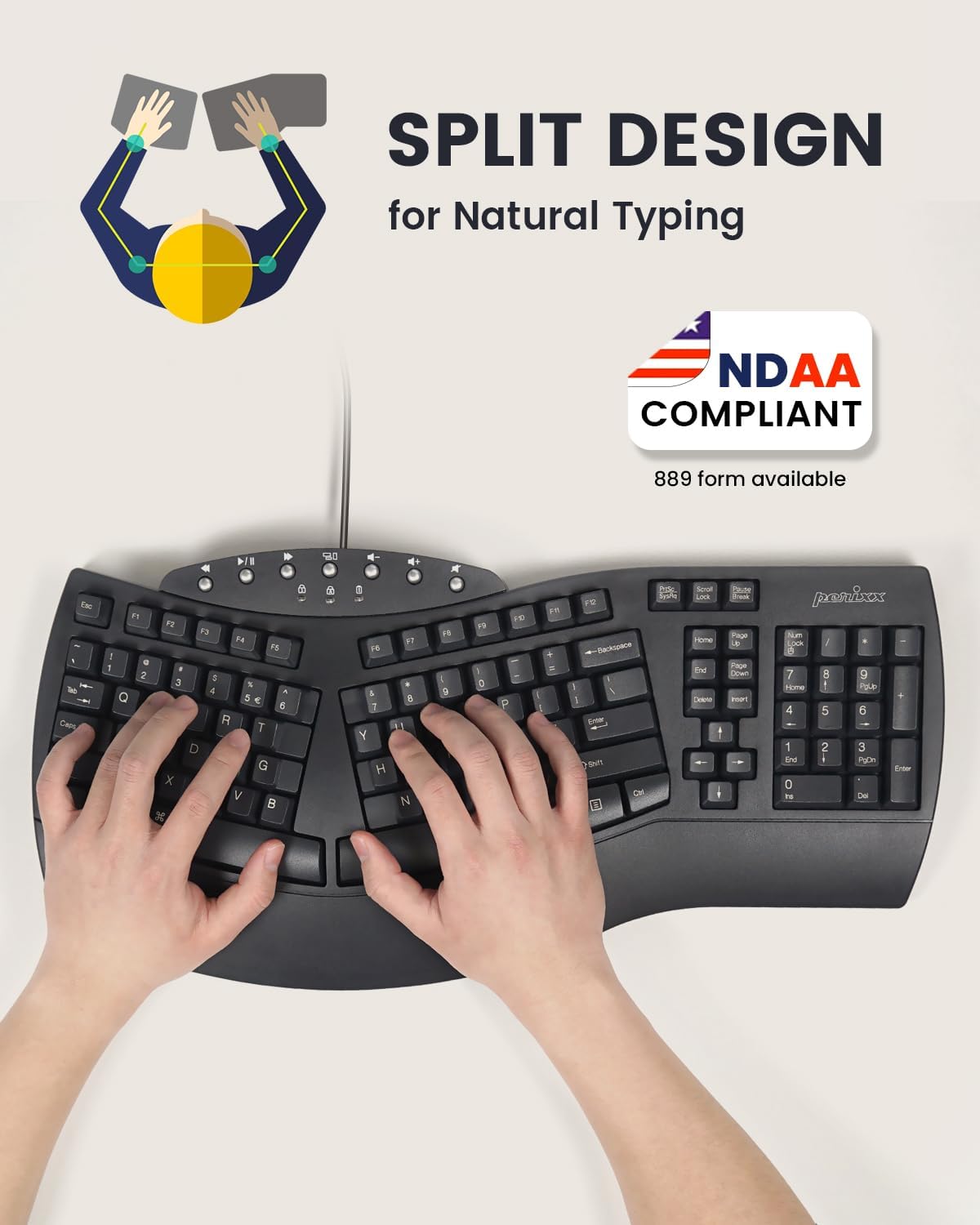
✓ Pros
- Incredible price-to-value.
- Integrated numeric pad.
- Large, tactile keys.
✗ Cons
- Wired only.
- Bulkier, older design style.
How to Choose the Right Ergonomic Keyboard
- Split Design: Split keyboards allow your shoulders to remain open, which is critical for long-term health.
- Tent Angle: Keyboards that “tent” (raised in the middle) reduce forearm pronation, preventing strain in your elbows.
- Switch Type: Low-profile keys require less force to press, which is easier on the finger joints.


Buying FAQ
Is an ergonomic keyboard worth it for a standing desk?
It can be, especially if your wrists bend outward or upward while typing. The best result comes from combining the keyboard with correct desk height and relaxed shoulder position.
What keyboard style is best for wrist comfort?
Split and curved keyboards usually help most with wrist angle, while low-profile keyboards can reduce wrist extension for users who prefer a traditional layout.