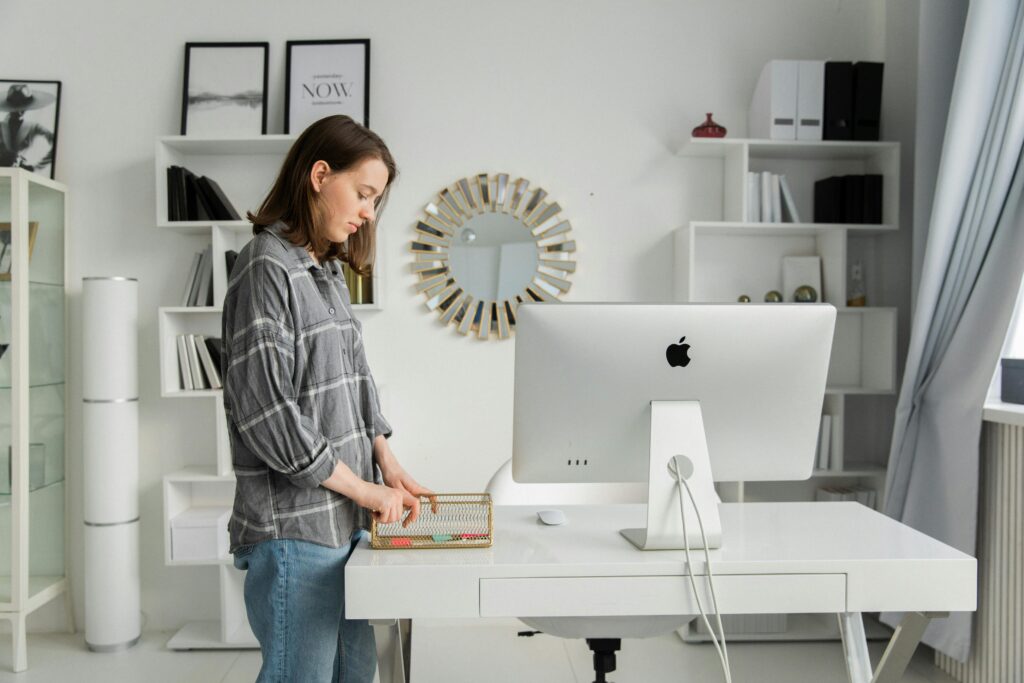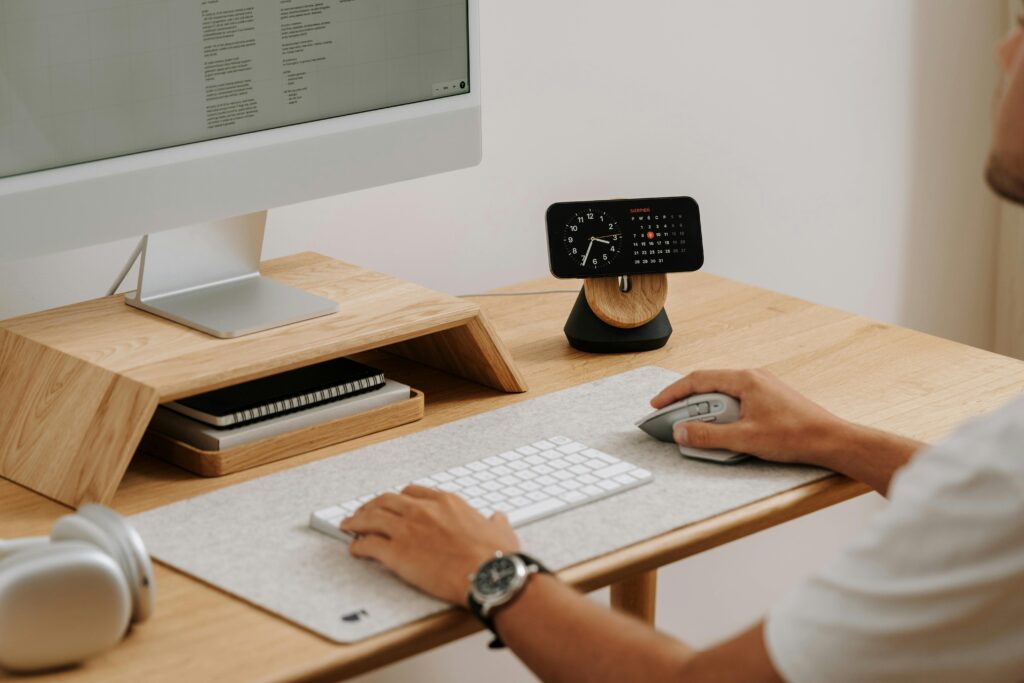


Recommended buying guides
Turn this advice into a better setup
If this guide helped you identify what needs fixing, these related buying guides are the next practical step.
The best productivity hacks for remote workers are practical, repeatable, and tied to the way your workspace actually functions. Small changes to layout, tools, notifications, and focus blocks can compound into a much calmer workday.
Upgrade the small things that create daily friction
Once the habits are in place, the right accessories can make the system easier to maintain.
- The Desk Reset Rule
- Kill Your Cable Chaos
- Dedicated Task Lighting
- Second Monitor or Screen Extension
- Standing Mat (Even Without a Standing Desk)
- Headphone Organization
- One Real Plant
- The Shutdown Ritual
- Keyboard Shortcuts for Everything Repetitive
- The Weekly Desk Reset
- Why setup decides remote productivity
- Daily focus system
- Deep work at home
- FAQ
Hack 1: The Desk Reset Rule
Every item on your desk should have a home — a specific place it lives when not in active use. At the end of each day, everything goes back to its home.
This isn’t about being tidy for tidiness’ sake. Research on “environmental cues” shows that visual order in your workspace activates neural patterns associated with control and focus. A cluttered desk isn’t just annoying to look at; it’s actively competing for your attention at a low level throughout the day.
The reset takes 3 minutes. The return is worth 20–30 minutes of better focus.
Hack 2: Kill Your Cable Chaos
Velcro cable ties: $8. Under-desk cable tray: $25. Cable box to hide your power strip: $20.
Total investment: $53. Total time: 90 minutes on a Saturday.
The return: a desk that doesn’t look like an IT closet, and — more importantly — a subtle but real reduction in the background cognitive load of looking at chaos for 8 hours a day.
Hack 3: Dedicated Task Lighting
The overhead light in your room was not designed for desk work. It casts shadows over your work surface and contributes to eye fatigue after 4–5 hours.
A monitor light bar ($35–$60) clips to the top of your monitor and illuminates your desk surface without creating screen glare. It changes the quality of your visual environment measurably.
If you prefer a desk lamp: look for a minimum CRI (Color Rendering Index) of 90 and a color temperature around 4000K — neutral white, not harsh blue-white.
Hack 4: Second Monitor or Screen Extension
A University of Utah study found that adding a second monitor increases productivity by 20–30% for typical knowledge work. That’s not a marginal gain.
The reason is task-switching cost — every time you alt-tab between windows, your brain takes 15–30 seconds to reorient. With two screens, your reference material stays on one screen while you work on another, eliminating most of that switching cost.
Hack 5: Standing Mat (Even Without a Standing Desk)
If you already have a standing desk, a standing mat is not optional — it’s essential. Standing on a hard floor for more than 30 minutes causes fatigue that a mat reduces by 40–60% according to occupational health research.
But standing mats also have value even if you stand for just short periods — stepping up to take a call, reviewing documents, or thinking through a problem. The mat signals physically that you’re in a “stand-to-think” mode, which many people find activating.
Hack 6: Headphone Organization
Every time you put your headphones directly on your desk, they take up space, look messy, and have a small chance of being knocked off. A headphone stand ($15–$40) solves this permanently.
Many current stands include a wireless charging pad. Your headphones live on the stand between uses, charging continuously. You never have them die in the middle of a meeting again.
Hack 7: One Real Plant
This sounds soft. The research is not.
NASA’s Clean Air Study identified specific indoor plants that measurably reduce volatile organic compounds in indoor environments. More practically, a 2014 study in the Journal of Environmental Psychology found that workers in environments with plants reported higher satisfaction, lower stress, and better self-reported productivity.
You don’t need a greenhouse. One medium-sized plant on or near your desk is enough. Snake plants, pothos, and ZZ plants are the indestructible choices for people who aren’t gardeners.
Hack 8: The Shutdown Ritual
Remote work blurs the boundary between work and home in ways that are genuinely harmful to long-term wellbeing and performance. Without a physical commute to mark the end of the workday, the brain doesn’t get a clear signal that work is over.
A shutdown ritual is a deliberate, consistent sequence of actions that marks the end of the workday. Mine: close all browser tabs, write tomorrow’s three priorities in my notebook, lock my computer, cover my keyboard. Takes 5 minutes.
Research on “cognitive closure” shows that completing a task — even a ritualistic one — reduces the rumination that keeps work in your head during personal time.
Hack 9: Keyboard Shortcuts for Everything You Do Repetitively
Every application you use has keyboard shortcuts for its most common functions. Most people use maybe 5% of them. Learning the shortcuts for the 10 things you do most frequently saves between 15–45 minutes per day depending on your work type.
Start with one application. Spend 20 minutes learning its top 10 shortcuts. Use them for a week. Then move to the next application.
Hack 10: The Weekly Desk Reset (10 Minutes, Sunday Evening)
Once a week, spend 10 minutes returning your desk to clean-slate condition. Deal with accumulated paper, return cables to their paths, clean the monitor and desk surface.
This weekly reset takes about 10 minutes to maintain once the initial organization is in place. The payoff is starting each Monday in a clean environment — which consistently produces a different mindset than starting in last week’s mess.
Ready to upgrade your desk setup equipment? We’ve reviewed the best in every category.
Why setup decides remote productivity
In 2020, companies braced for a productivity disaster when workforces went remote. Gains were not distributed evenly — and the difference wasn’t only motivation. It was setup.
Data framing (as published on absorb): a Stanford study of 16,000 workers found a ~13% performance increase in remote workers; a Mercer survey of ~800 employers reported ~94% said productivity was the same or higher after going remote. Gains often came from fewer interruptions, reclaimed commute time, flexible peak hours, and quieter focus environments. Failure modes included physical discomfort, social isolation, no mental “leave work” boundary, and poor lighting/screen setups.
Factor 1 — Physical environment (minimum viable)
Every physical discomfort consumes cognitive resources. Minimum viable setup:
- A chair that supports your lower back without pain for 6+ hours
- A monitor at correct eye level (top of screen at eye height)
- Keyboard and mouse at elbow height, close to the body
- Adequate task lighting without screen glare
Related: monitor height guide.
Factor 2 — Mental environment (work/home container)
- A dedicated workspace that is only for work (even a specific chair + desk)
- A shutdown ritual that marks the end of the day (see Hack 8)
- Physical cues for mode (getting dressed; a specific playlist)
Factor 3 — Digital environment
- Notification management: research cited on absorb (UC Irvine / Gloria Mark) finds ~23 minutes to return to full focus after an interruption. Turn off notifications that don’t require immediate action; check tools on a schedule.
- Tool rationalization: keep the 3–5 tools that matter; minimize the rest.
- Screen organization: consistent app placement reduces search time.
Compounding effect
A ~10% gain from ergonomics + ~10% from work/home separation + ~10% from digital hygiene don’t merely add — they interact, because each reduces load that was draining the others.
Where to start tonight
- This week: Fix monitor height and keyboard position.
- This month: If the chair causes pain, replace it (highest-priority equipment upgrade).
- Establish a shutdown ritual (3–5 closing actions, 30 days).
- Audit notifications — turn off everything that doesn’t need an immediate response.
Do these sequentially; let each settle before adding the next.
Daily focus system (condensed from the 10 proven tips)
Focus isn’t only a personality trait — it’s a system. These tips are unique relative to the desk-hack list above.
- Write a clear top-3 plan — night before or first thing. Specificity beats wishes (“Draft the exec summary by 11 a.m.” vs “work on the report”).
- Dedicated workspace cue — even a tiny corner; avoid meals / off-hours scrolling there so the desk triggers work mode.
- Time-block instead of endless to-do lists — defend calendar windows like meetings. Pomodoro (25 on / 5 off) is a lighter variant for shorter tasks.
- Silence notifications during deep work — phone in another room or Focus mode; tell the team you’re heads-down.
- Get dressed like the day started — casual is fine; pajamas keep the nervous system in rest mode.
- Match hard tasks to peak hours — protect the 90–180 minute early window; save shallow admin for the afternoon dip.
- Take real breaks — walk, stretch, tea, window stare — not doomscrolling (different cognitive load).
- Firm start and stop times — artificial boundaries so work doesn’t fill all of life.
- Manage energy, not just time — sleep, hydration, food, movement are focus inputs.
- End with a shutdown ritual — see Hack 8 (Cal Newport popularized the pattern on the absorb page).
Noisy household / small apartment
- ANC headphones + focus playlist or brown noise; visible “do not disturb” signal (closed door / sign / light).
- If quiet hours aren’t possible, a library or quiet café for 2–3 deep-work hours can save the week.
- You don’t need a separate room — you need a consistent signal (foldable desk, specific chair, or work headphones).
Quick focus checklist
- Write top 3 tasks before starting
- Sit at a dedicated workspace, not the couch
- Time-block the calendar
- Silence Slack / email / phone during deep work
- Get dressed; start with a small morning ritual
- Peak hours → hardest task
- Real breaks (walk / stretch / outside)
- Honor a firm stop time
- Sleep, hydrate, eat
- 5-minute shutdown ritual
Deep work at home
Deep work is professional activity in distraction-free concentration that pushes cognitive capability — the work that creates lasting value. Modern availability culture trains shallow, reactive days that feel busy but produce little.
Four enemies of focus at home
- Always-on communication culture — background anxiety to check messages.
- Absence of social accountability — no ambient office pressure; replace it deliberately.
- Undifferentiated environment — same space for leisure and work; no mode signal.
- Myth of multitasking — rapid switching with a cognitive cost; monitoring Slack while analyzing means doing neither well.
Checking your phone mid-block — even briefly — effectively ends that deep-work block.
Designing deep-work blocks
- Length: ~90 minutes aligns with ultradian rhythm framing; start at 45 if needed and extend.
- When: protect your personal peak window without exception for the hardest work.
- How many: two to three 90-minute blocks/day is a realistic upper limit at full intensity; four hours of genuine deep work often beats eight fragmented hours.
- Time-block deep work the night before; decline or reschedule meetings that collide with it — not the deep work.
Workspace setup for focus
- Designate a deep-work zone or desk configuration used only for concentrated work.
- Clear the desk of anything not needed for the current task; face away from high-traffic areas; close nonessential tabs/apps.
- Optional: turn off a second monitor during deep work to reduce multitask temptation.
- Auditory options: ANC headphones → white/pink/brown noise → instrumental music without lyrics.
Digital discipline table
| Tool | Deep Work Setting | Check Schedule |
|---|---|---|
| All notifications off | 3× per day at fixed times | |
| Slack / Teams | Do Not Disturb on | End of each deep-work block |
| Phone | Face down, silent, or in another room | After each deep-work block |
| Browser | Close non-essential tabs | Open only what the task requires |
| Calendar | Deep-work blocks marked Busy | Check once the night before |
Structural > motivational: website/app blockers (Freedom, Cold Turkey, or built-in Screen Time — as named on absorb) that activate at block start remove the need to “be more disciplined.” Put the phone in another room.
Building the habit
- Start smaller than you think (one 45-minute block/day for two weeks before extending).
- Track deep-work hours daily — most people are shocked how low the number is.
- Keep the shutdown ritual so recovery (and tomorrow’s focus) stay intact.
Deep-work checklist
- Schedule one deep-work block for tomorrow before closing the computer
- Notifications disabled during blocks
- Phone out of sight/reach
- Dedicated deep-work location kept clear
- Communication response schedule set and shared
- Website blocker configured
- Shutdown ritual practiced daily
- Deep-work hours tracked
FAQ
How long to build a focused WFH routine?
Many people see meaningful improvement in ~2–3 weeks if they change one or two habits at a time.
Is deep work about longer hours?
No — protect conditions for high-quality concentration; chronic overwork without recovery degrades deep-work sessions.
Where should I start if everything feels broken?
Use the remote-productivity sequence: monitor/keyboard tonight → chair this month if painful → shutdown ritual → notification audit — then add one deep-work block.